Installing InfoWriter Plugin for OBS - Grat10borg/Hotkey-Operated-Timestamper GitHub Wiki
Installing InfoWriter Plugin for OBS
Infowriter is a plugIn that timestamps everytime you Change scenes or Press a Hotkey! its quite easy to use
First you need OBS and The Infowriter plugin
you can download Infowriter here: https://obsproject.com/forum/resources/infowriter.345/
Once downloaded add Info writer to OBS's PlugIns! Inside the Zipfile theres a OBSInfoWriter.dll that files needs to go into the 64bit Folder
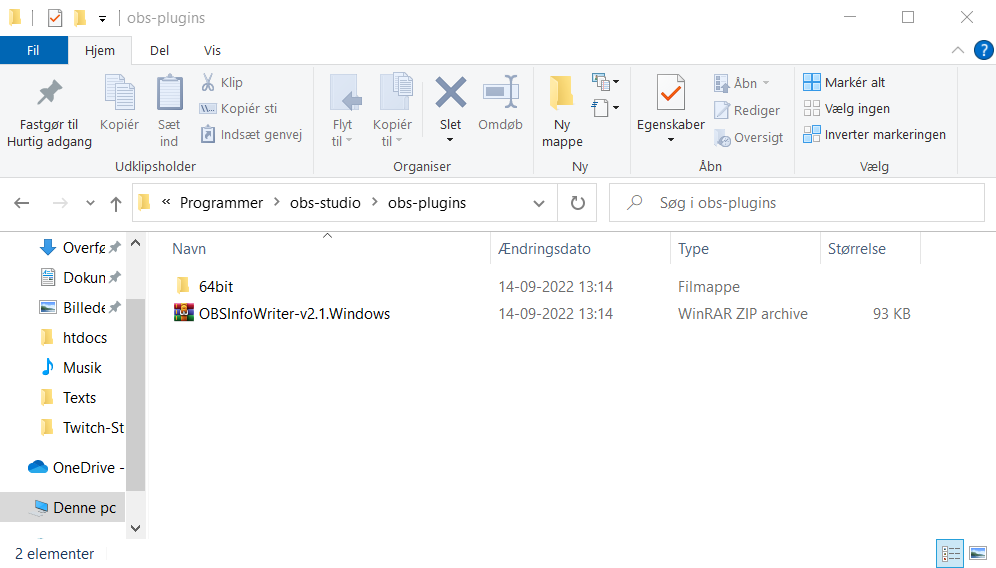
Once you've done that restart OBS
Then inside OBS you will be able to add a New Source. The InfoWriter Source, the InfoWriter source should be on all your scenes.
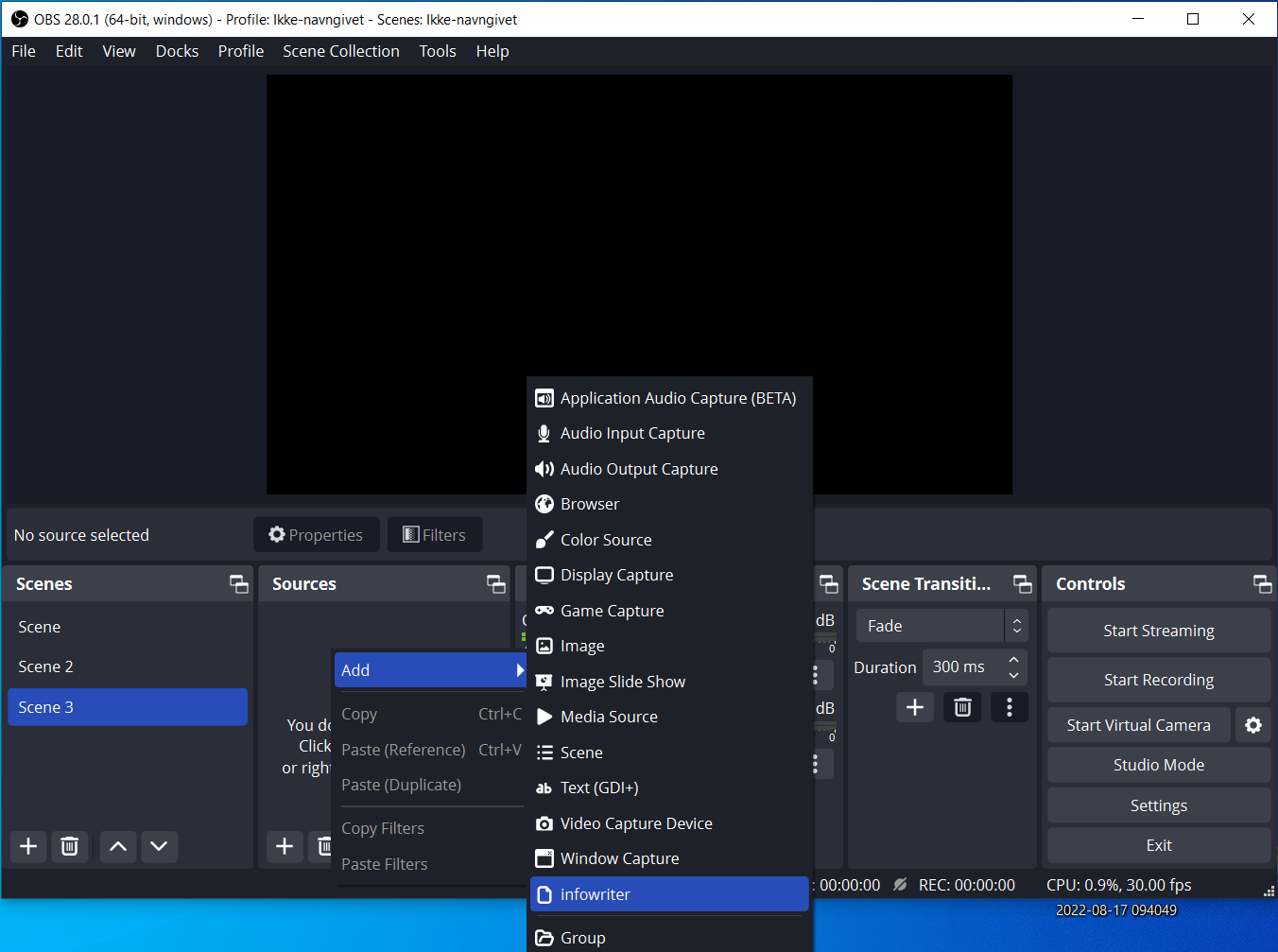
Once placed Go into The Infowriters Properties. we need to change the Logfile to be the Timestamps.txt Inside H.O.T
Selecting the Timestamps.txt
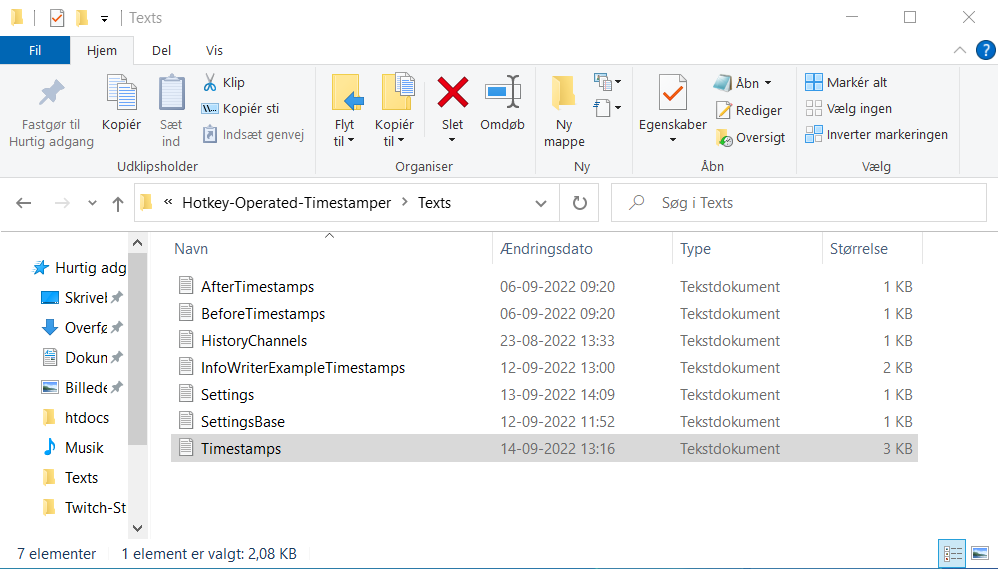
Now H.O.T Should be able to do Local Timestamps atleast!
Everytime you do a Hotkey press inside InfoWriter / OBS you will also find them in the Description H.O.T makes, though they will not be in a description you make with Clip-Stamps.