Door in game - Giuca002/Keycard-Skript GitHub Wiki
How to make your key card reader work in-game
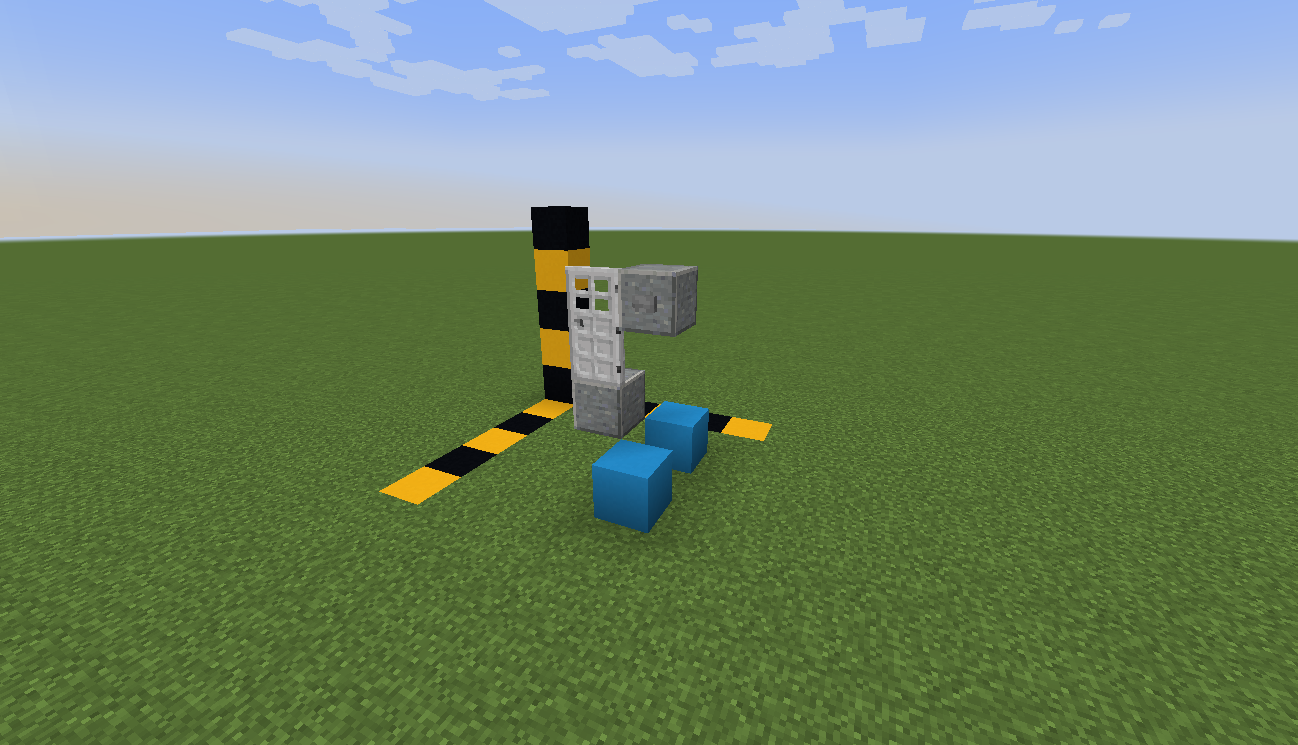
To build the key card reader in-game simply place down your door and a block to the side of it. After this refer to your Skript file to see what button to use and then place it down. Now 3 blocks below the block with the button place the colored block, now also refer to your file for which block to use. If you do everything correctly it should look like the image below. Please note this image shows it with the block on both sides.