Gen3 Admin Backup Restore - GT-Edge-AI/GT-AI-OS GitHub Wiki
Backup & Restore
Start Here
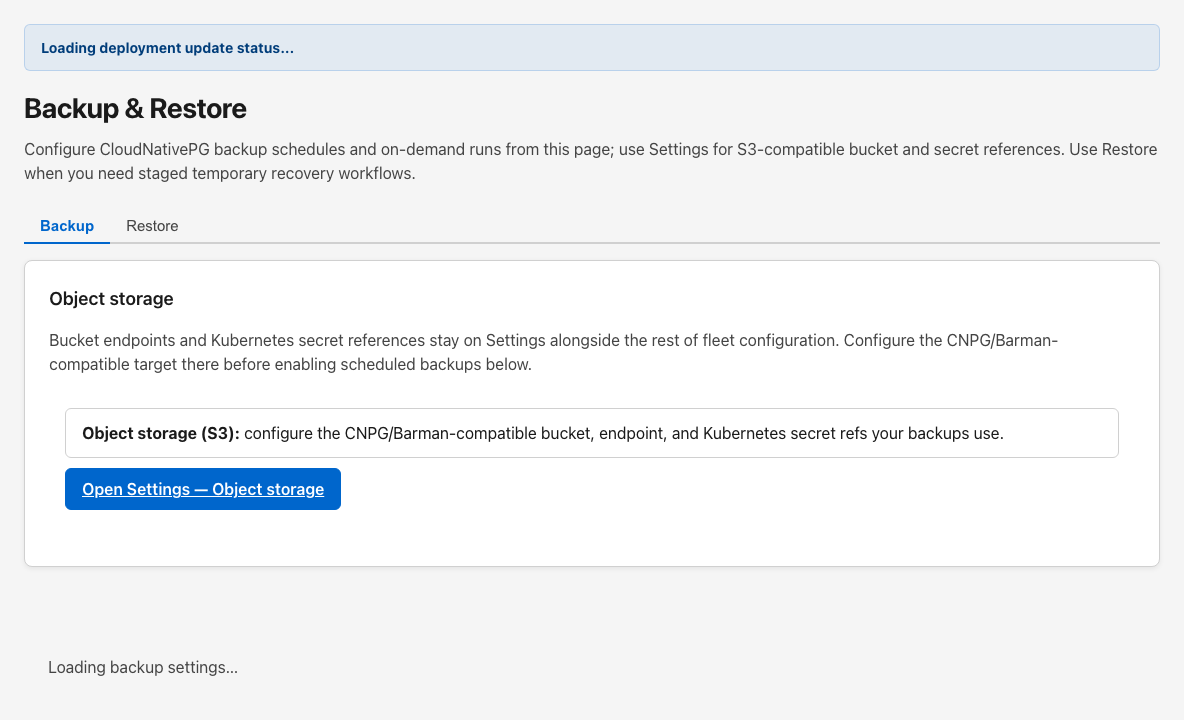
- Open Backup & Restore in the Control Panel sidebar.
- Use the Object storage tab (or Settings) to configure your operator-provided S3-compatible bucket. Open the setup runbook for your provider:
- On the Backup tab, enable portable backup automation, run bucket preflight, and use Run backup now for on-demand exports. Scheduled backups produce the same
gt3-portable-backup-v1tar uploaded to S3 and available for download. - For disaster recovery or GT3→GT3 migration, use the Restore tab (workstation upload or S3 fetch). Complete the post-restore checklist after any restore (re-sign-in, API keys, Auth URLs, license verification).
- CNPG/Barman physical backup and in-cluster cutover are not Control Panel operator UX — they remain GitOps/infra substrate only (
GT_AI_OS_CNPG_RESTORE_API_ENABLED=falseby default).
Why this matters
Control Panel backup and restore is portable-format only: logical PostgreSQL dumps plus a config sidecar in one tar. Object storage targets are configured on Object storage (or Settings); schedule, on-demand export, S3 catalog, download, and restore all live on Backup & Restore — three tabs, one artifact.
Workspace tabs
| Tab | Route | Purpose |
|---|---|---|
| Backup | /dashboard/backup-restore |
Portable backup schedule, preflight, run-now export, portable S3 catalog and download |
| Restore | /dashboard/backup-restore?tab=restore |
Upload archive or restore from S3 (preflight → destructive apply) |
| Object storage | /dashboard/backup-restore?tab=object-storage |
Operator S3 bucket settings used by portable backup upload and catalog |
Legacy deep links ?tab=portable and ?tab=cnpg-restore redirect to Backup.
Post-restore checklist
Database restore success does not restore Kubernetes secrets (CP_DATA_KEY, tunnel tokens, backup credentials) or upstream IdP registrations. The Control Panel shows a checklist before destructive portable apply (cross-deployment restores) and after successful restore. Always:
- Sign in again (sessions are cleared on portable apply completion)
- Verify license and seat counts under Billing
- Re-enter Control Panel provider API keys and tenant external API keys
- Confirm Auth issuer URLs, redirect URIs, and SAML ACS match this deployment
See docs/operations/GT3-BACKUP-RESTORE-VALIDATION.md in the repository for the full matrix.
Backup tab
Portable backup automation
When enabled, the Control Panel runs scheduled portable exports on the six-field cron you configure (UTC). It does not reconcile CNPG Barman ScheduledBackup resources — those are removed on save when upgrading from older releases.
Status badges show reconcile state, bucket preflight, timestamps, and error text.
Actions
| Action | Purpose |
|---|---|
| Save backup automation | Persists schedule, retention, and scope settings |
| Run backup now | Enqueues portable export (uploads to S3 when bucket settings are complete) |
| Check bucket (preflight) | Verifies object-storage credentials and S3 probes |
Backups in object storage (portable catalog)
Super-admins refresh the portable catalog, review rows (backupSetId, version, size), and download gt3-portable-backup-v1 archives. Legacy Barman base/ prefixes may appear as informational rows only — they are not portable-restorable.
Restore tab
Upload a portable tar from your workstation or pick a catalog row for S3 fetch. Preflight shows manifest, compatibility warnings (version, cross-deployment identity, legacy sidecar, CP_DATA_KEY), then destructive apply. If apply fails mid-way, re-run full restore from the same archive (see portable runbook §Partial failure recovery).
Object storage tab
Configure provider, endpoint, bucket, path prefix, credentials, and Backups without leaving Backup & Restore.
Recommended workflow
Routine backup posture
- Configure object storage (Object storage tab or Settings).
- Enable scheduled portable backups for admin + tenant.
- Save automation settings and confirm reconcile status is ok.
- Run bucket preflight before the first scheduled or on-demand backup.
- Periodically run Run backup now and confirm new rows appear in the portable catalog.
Off-site artifact copy
- Refresh the catalog after a successful backup.
- Download the
.tar.gzarchive and store it per your retention policy.