First in Line Up Next - Ephellon/Twitch-Tools GitHub Wiki
When a channel you follow begins streaming, automatically go to it
-
The default value is
Do not go to any channels automatically -
When activate, the channel(s) will appear in the Up Next section
Other options
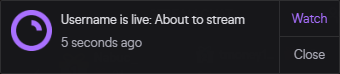
When you receive a notification for a followed channel going live, head to it after
Xminutes
- After receiving a notification that a channel has gone live, the channel will be added to the Up Next section
When a followed channel's icon appears, head to it after
Xminutes
- After a channel appears on the side panel, the channel will be added to the Up Next section
Go to all streams after
Xminutes automatically
- A combination of the two previous settings
Extras (Up Next)
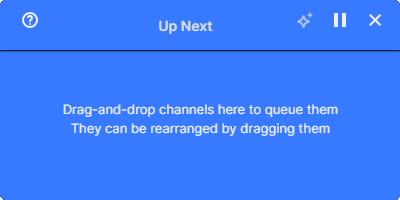
- One Instance — Only the first tab to load TTV Tools will be allowed to use the Up Next queue
- Live Reminders — Adds a button to "follow" the current channel
- Keep Reminders — Live Reminders persist until manually removed