User interface - Eden-06/FRaMED-io GitHub Wiki
User interface
Menu
| Entry | Description |
|---|---|
| File | |
| New... | Create a new document. The current document will be removed. This process cannot be reversed. |
| Open | Open an existing document from the local file system. The current document will be removed. This process cannot be reversed. |
| Save | Save the current document to the local file system. This will trigger a download of the current document. |
| Edit | |
| Undo | Undo the last change. This option is only active if an undoable change exists. Ctrl+Z |
| Redo | Redo the last change (or undo the last undo action). This option is only active if a redoable change exists. Ctrl+Shift+Z |
| Cut | Copy the current selection to the clipboard and delete all selected elements. Ctrl+X |
| Copy | Copy the current selection to the clipboard. Ctrl+C |
| Paste | Paste the clipboard into the current tab. Ctrl+V |
| Delete | Delete all selected elements. Delete |
| Select all | Select all elements of the current tab. Ctrl+A |
| Help | |
| Shortcuts | Prints all available shortcuts to the dev console. |
| About | Display informations about the current build of FRaMED-io. |
Toolbar
| Icon | Name | Description |
|---|---|---|
| 100% | Zoom step | Displays the current zoom step. This field can be directly edited. |
 |
Zoom in | Increase the current zoom step. |
 |
Zoom out | Decrease the current zoom step. |
 |
Undo | See Menu->Edit->Undo. |
 |
Redo | See Menu->Edit-Redo. |
 |
Toggle touch control | Toggle the scroll mode. Disabled: Scroll changes the current zoom step. Enabled: Scroll moves the diagram. This is useful for touchpads. |
 |
Toggle grid | Toggles if the diagram should draw a background grid |
 |
Toggle snap to grid | Toggles if elements should snap to the grid when they are moved. |
 |
Toggle snap to view | Toggles if elements should snap to the border of near other elements when they are moved. |
Diagram
| Icon | Name | Description |
|---|---|---|
 |
Package | - |
 |
Scene | - |
 |
Compartment | - |
 |
Class | - |
 |
Roletype | - |
 |
Event | - |
 |
Return event | - |
 |
Attribute | - |
 |
Method | - |
|
Standart event | - |
 |
Conditional event | - |
 |
Error event | - |
 |
Message event | - |
 |
Signal event | - |
 |
Timer event | - |
 |
Relationship | - |
 |
Aggregation | - |
 |
Composition | - |
 |
Create/Destroy relation | - |
 |
Fulfillment | - |
 |
Inheritance | - |
Sidebar
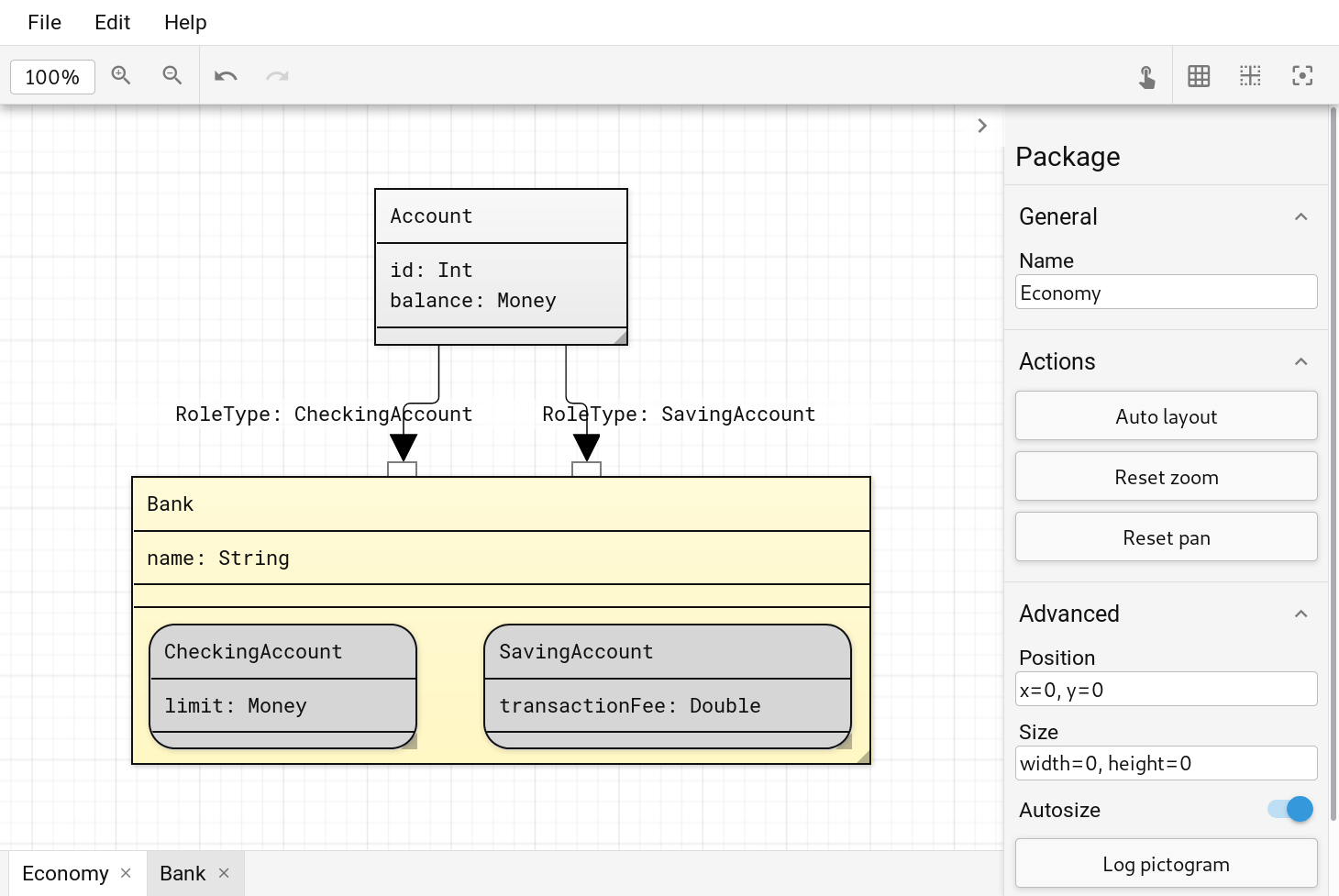
The sidebar shows all posible settings of an element. It consists of the type of the element and multiple groups. Most elements have the two group 'General' and 'Advanced'. The 'General' group often contains the name of the element. The 'Advanced' group shows some internal states and is mainly intended for debugging.
Tabbar
The tab bar shows a list of all opend tabs. A tab represents a container element of the document. Each 'Step in' action opens a the tab of this element or creates a new tab if it does not exist.