Reword Specific Git Commit Message in Terminal on Mac - DevPops-Inc/mac GitHub Wiki
• The following resolution is for rewording a specific Git commit.
•
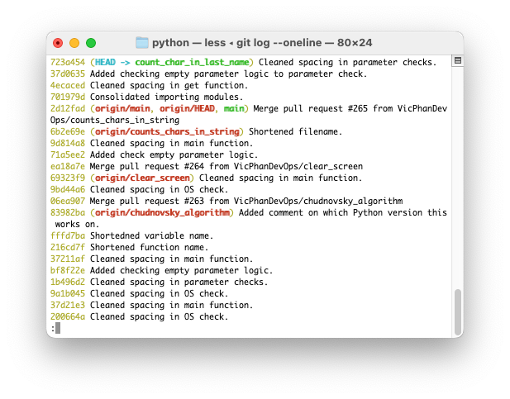
• Type git rebase -i HEAD~< number of last commits > and press the return key to interactively rebase the desired number of previous commits.
•

• Pres the I key to get into INSERT mode.
•

• Replace pick with reword on the commit you wish to amend.
•

• Press the esc key to exit INSERT mode, type :wq and press the return key to save and exit the text editor.
•

• Press the I key to get into INSERT mode.
•

• Amend the previous commit message.
•

• Press the esc key to exit INSERT mode, type :wq and press the return key to save and exit the text editor.
•

• Type git log --oneline and press the return key to get the commit log and you’ll see that the previous commit has been reworded.
•

Please reach out on LinkedIn if you have any questions or suggestions.
