Get Help with Cmdlet with Detailed Examples in PowerShell on Mac - DevPops-Inc/mac GitHub Wiki
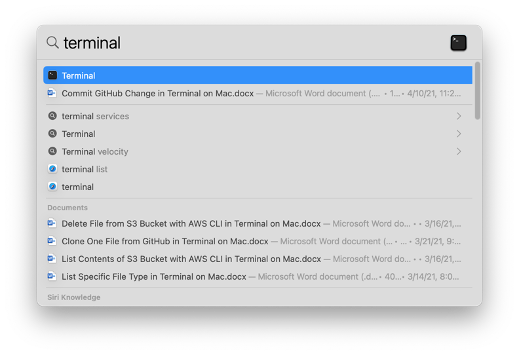
• Press the command key and spacebar launch Spotlight Search, type “terminal” and select the “Terminal” application.
•
• PowerShell’s colored text is difficult to read if your Terminal is basic white, so expand the “Shell” menu and select a different color scheme (I recommend “Ocean” since that’s the closest to PowerShell’s default color scheme on Windows).
•

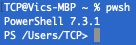
• Type pwsh and press the return key to launch PowerShell.
•
• Type Get-Help < cmdlet > -detailed and press the return key to get detailed examples of a cmdlet.
•

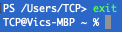
• Type exit and press the return key to exit PowerShell when you are done.
•
Please reach out on LinkedIn if you have any questions or suggestions.
