Stock Take ROC Equipment - DatasmithSA/Digistics-SD-Android-Help GitHub Wiki


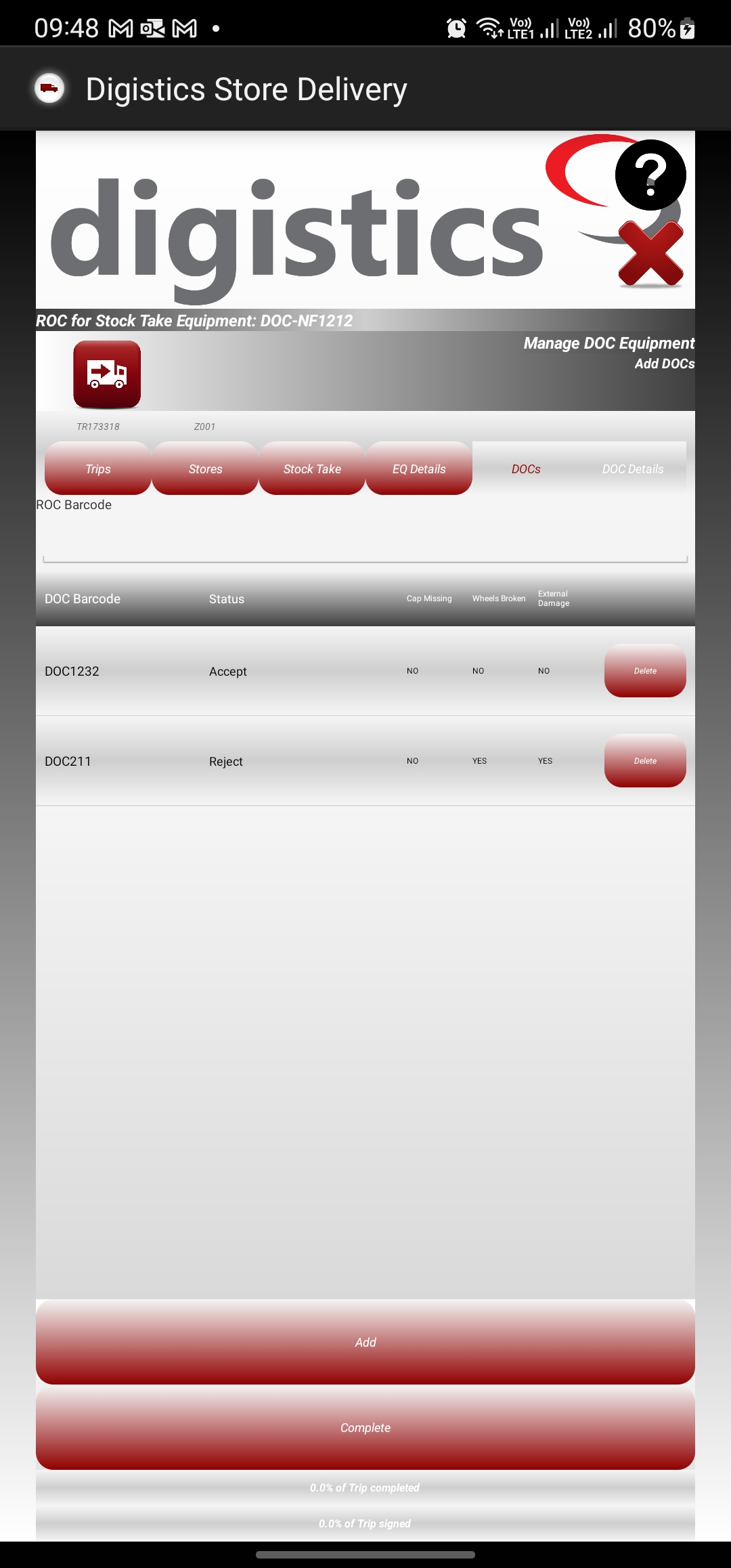
This screen allows for viewing, adding, removing and editing ROCs on a Stock Take. The screen is opened from the Stock Take Equipment during before beginning delivery.
Add/Details: selecting a ROC Equipment from the list or clicking the "Add" button will open the ROC Equipment details screen allowing to view/edit details of a specific ROC or capturing information about a new ROC to add it to the Stock Take.
Complete: once all ROCs have been captured and added to the current invoice, clicking the Complete button will navigate the user back to the Equipment Returns screen.