Blocking - Danimation/Animation-Resources GitHub Wiki
When you are starting out your animation, you are usually going to go through 3 - 4 stages. These stages are as follows:
- Blocking A
- Blocking B
- Spline
- Polish
*It is important to note that before you start out any animation project, you plan out what your shot is going to be and shoot/gather video and picture references.
Blocking A
At this stage you are going to be making all your key poses. I recommend working with stepped tangents as this will make adjusting timing and poses a bit easier.
You want to be focusing on the timing and quality of your key poses. You want to spend a lot of time in this stage as this is the backbone of your animation, problems you have in Blocking A tend to persist through out your animation.
*looking at his image, your key poses are in black, breakdowns in red and inbetweens in green and blue.
In blocking A you can add in some inbetweens, but it is important to remember that less is more in the beginning. Think broad strokes rather than fine details.
Blocking B
Here is where you can start adding more details. I recommend that you still keep working with stepped tangents. You want to have all your key poses and breakdowns done so that you can starting adding in some inbetweens.
Most of your general posing is done, you can still be changing timing, but look into finishing your timing in this stage so that you can working on finer details and polish in the next stages.
Spline
At this stage you are going to change from stepped tangents to spline tangents.
One of the main things to note about changing from stepped tangents to spline tangents is that your animation now might end up looking a bit floaty or feel off in the overall timing.pacing. This is normal as Maya is trying to add in inbetweens for all your keyframes, remember Maya is not an animator. You will need to adjust the tangent handles in the graph editor and add in more keyframes and adjust existing keyframes to make sure that your animation is flowing properly and that the timing is working like you intend it to.
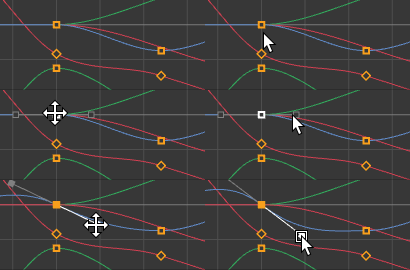
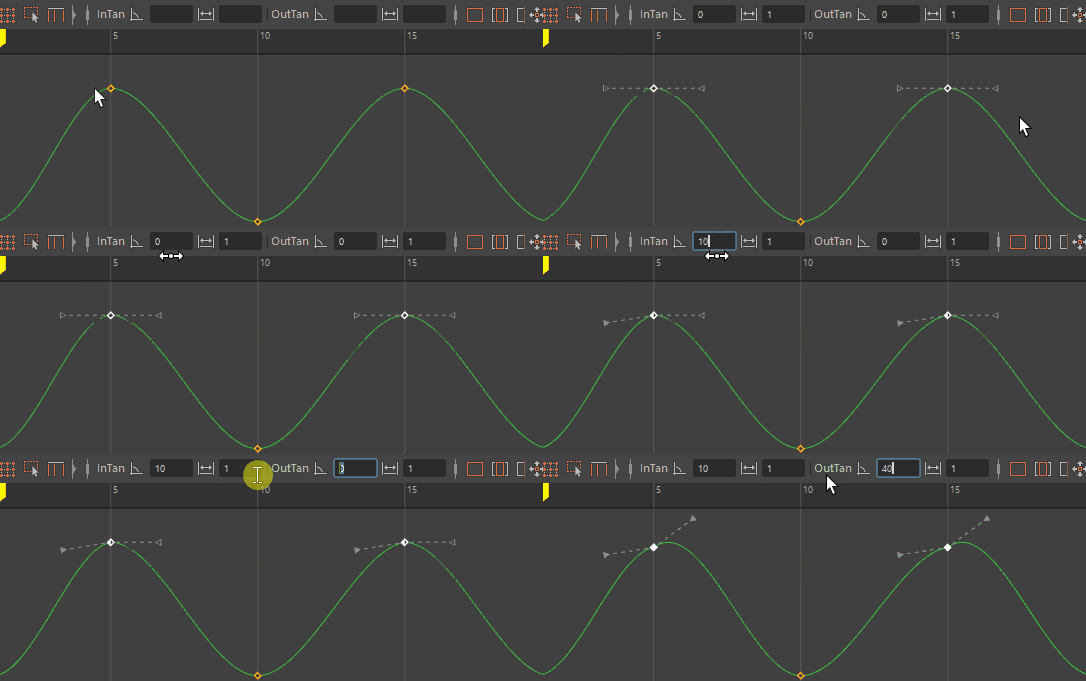
I recommend also working on the smaller details such as fingers, face, hair, accessories etc. You want to push your shot as close to the final as possible.
Polish
At this stage you do not want to be focusing on the overall timing and posing. You want to focus on all the little details that push the shot to the next level.
 *https://www.polyarcgames.com/games/moss
Think about all the small details, subtlety overlapping actions, follow through, and anticipation ect. In animation we are creating the illusion of life and every small detail counts.