Configuration - CoolKit-Technologies/ha-addon GitHub Wiki
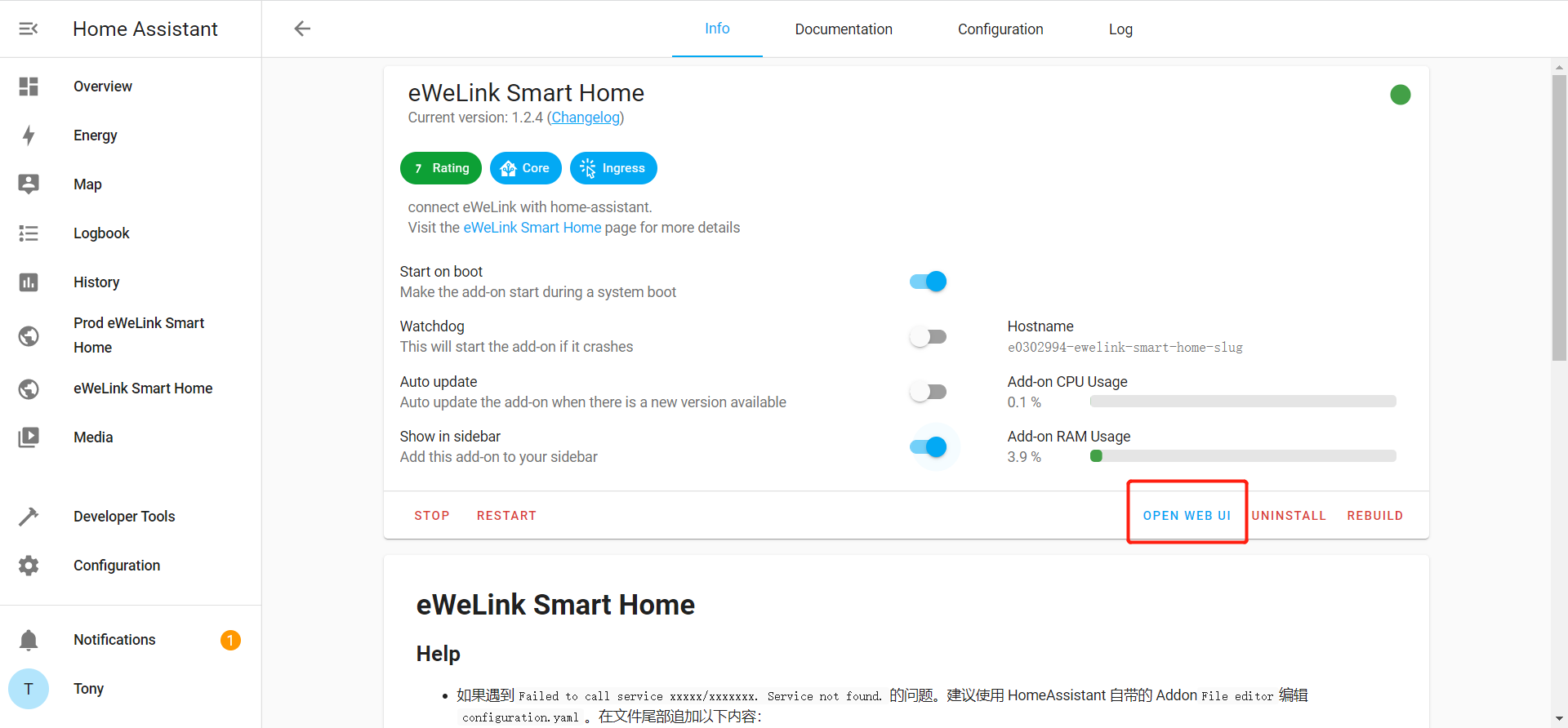
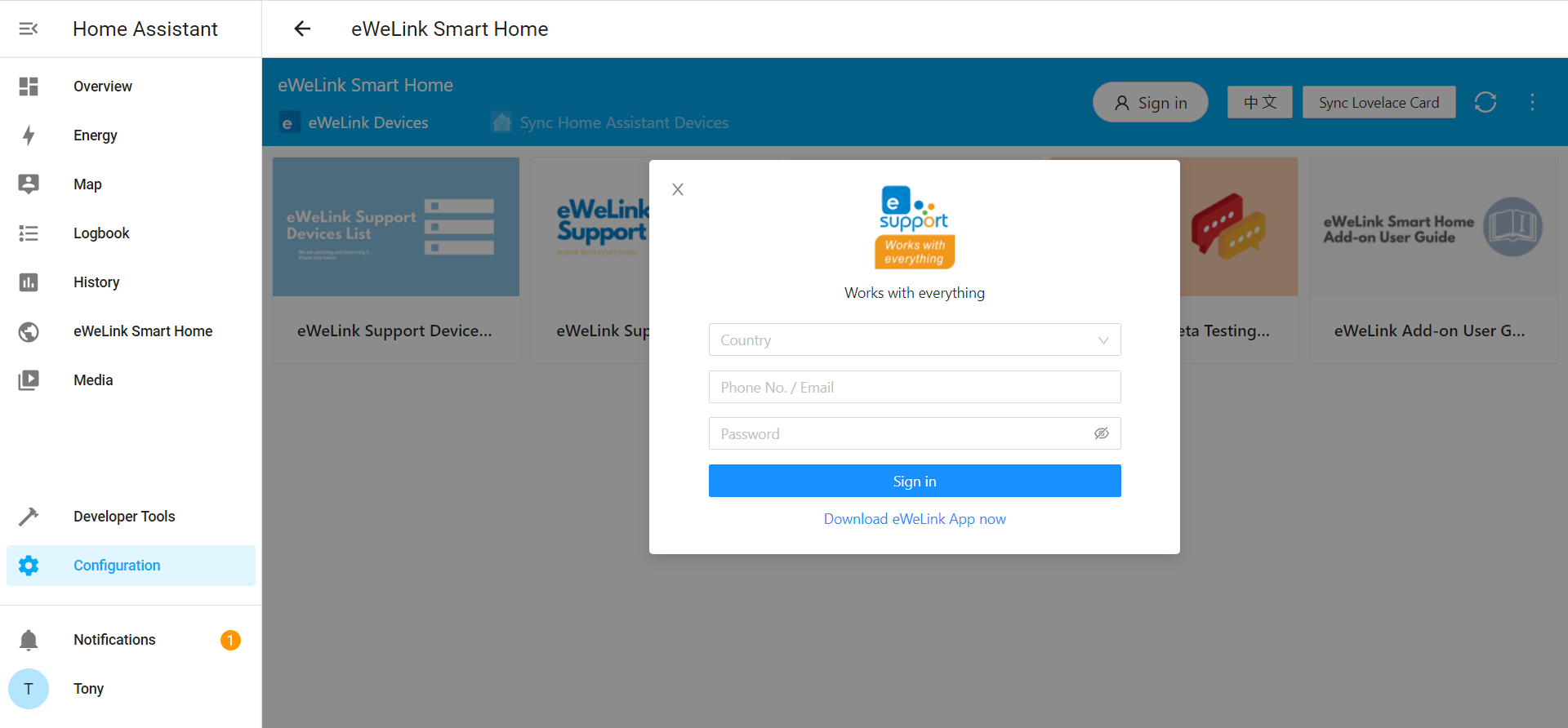
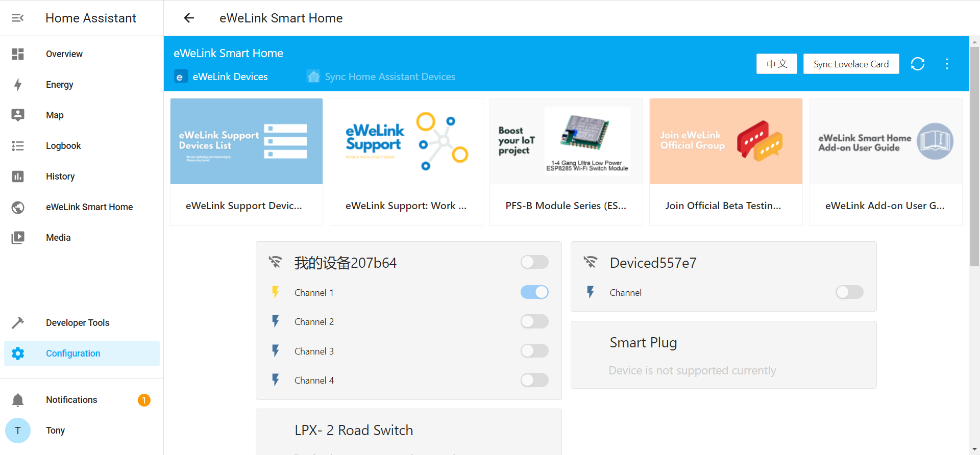
- Control eWeLink DIY devices on LAN or login to eWeLink account to control all eWeLink Support devices. Login to the Home Assistant Lovelace console (usually the URL is http://homeassistant.local:8123/) , click Configuration in the lower left corner, click Home Assistant Operating System, click Add-ons, Backups & Supervisor, then click the eWeLink Smart Home card to enter the add-on information page. Click OPEN WEB UI, the eWeLink Smart Home Web UI page will list all DIY devices on LAN searched by mDNS . You can also click the Log button in the upper right corner and log in to the eWeLink account to connect all eWeLink Support devices.
- Login
- After Login
Setup Scene, Automation to control eWeLink Support devices
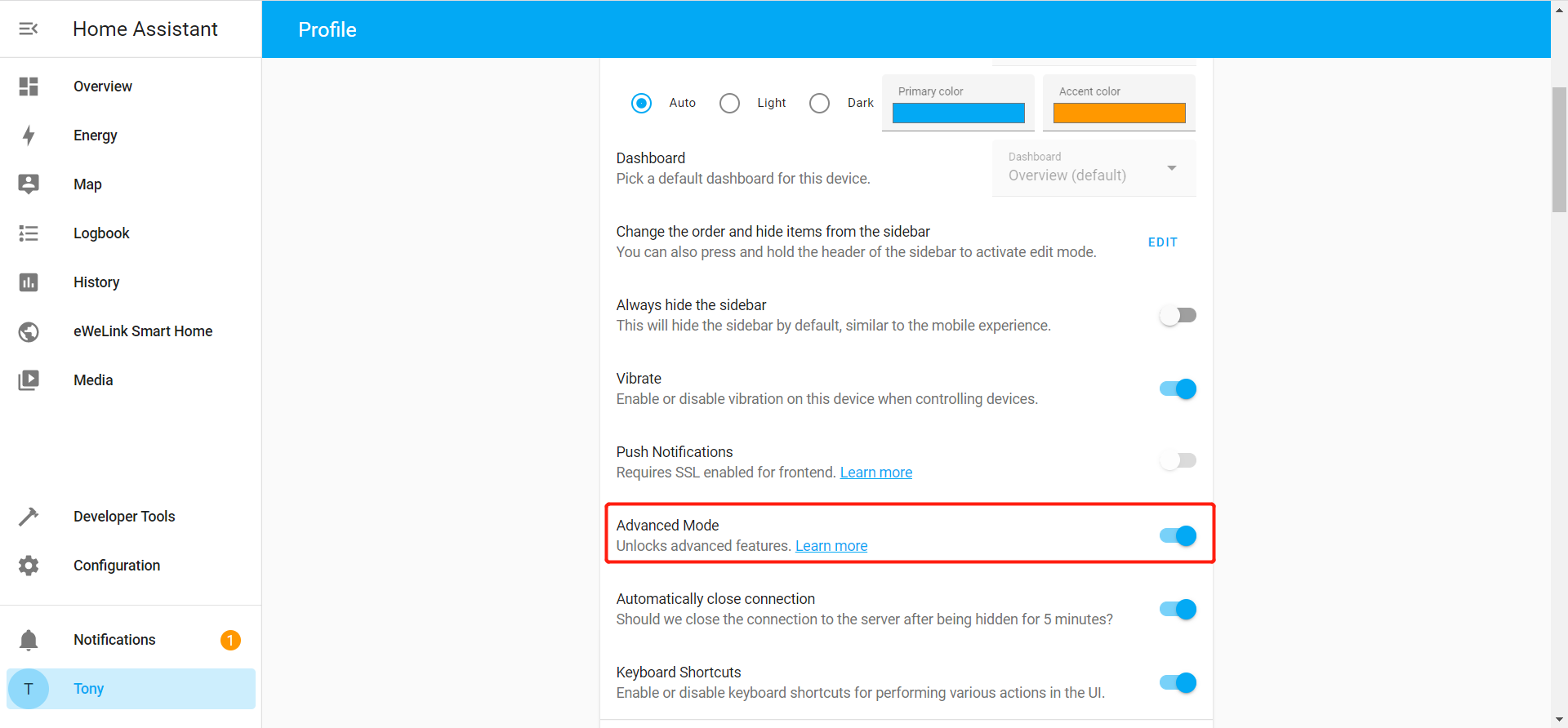
Devices connected through Home Assistant REST API and WebSocket API can only be mapped as entities instead of devices, which makes it impossible to directly control devices via Home Assistant’s Scene and Automation. To solve this problem, you need to enable the Advanced Mode (Lovelace Console > Profile > Advanced Mode). To use eWeLink Support devices in Automation, you need to first create Scene that contains your devices, and then select Activate Scenario in Action > Action Type of Automation.