Modding in Cultures - CK3RealmsinExile/RealmsInExile GitHub Wiki
Start with you need to go to something like this LotRRealmsInExileDev\common\culture\cultures Here you'll find either already existing .txt files or you'll need to create one on your own
Click to expand
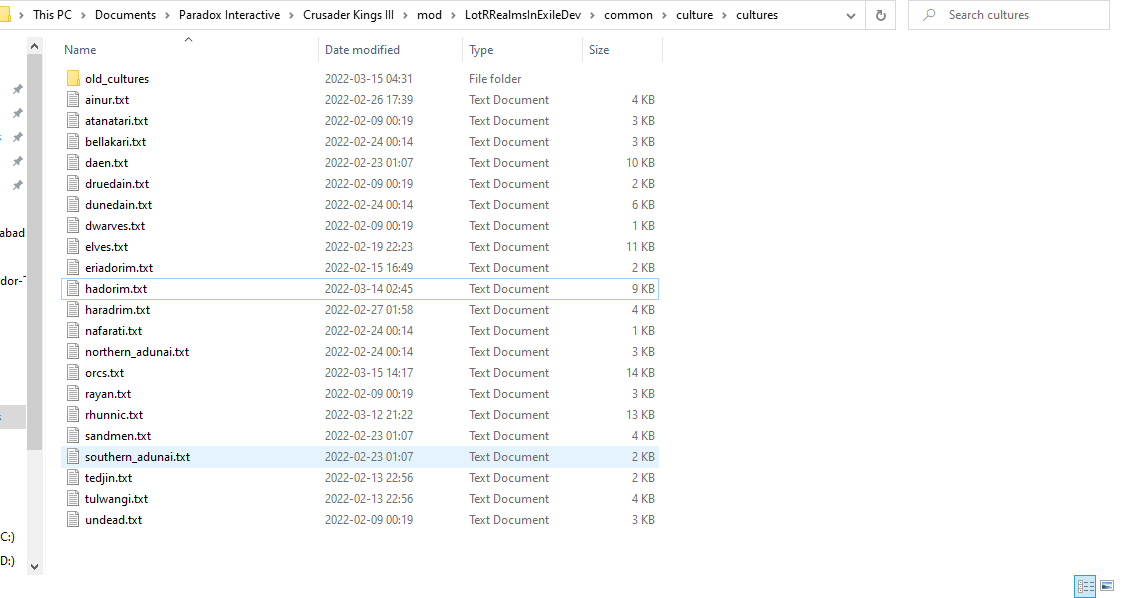
Now you'll need to open the already existing txt file or the one you've just created! Using the program Notepad++ is recommended. In the picture bellow you'll see an example of the creation of an orc culture.
Click to expand
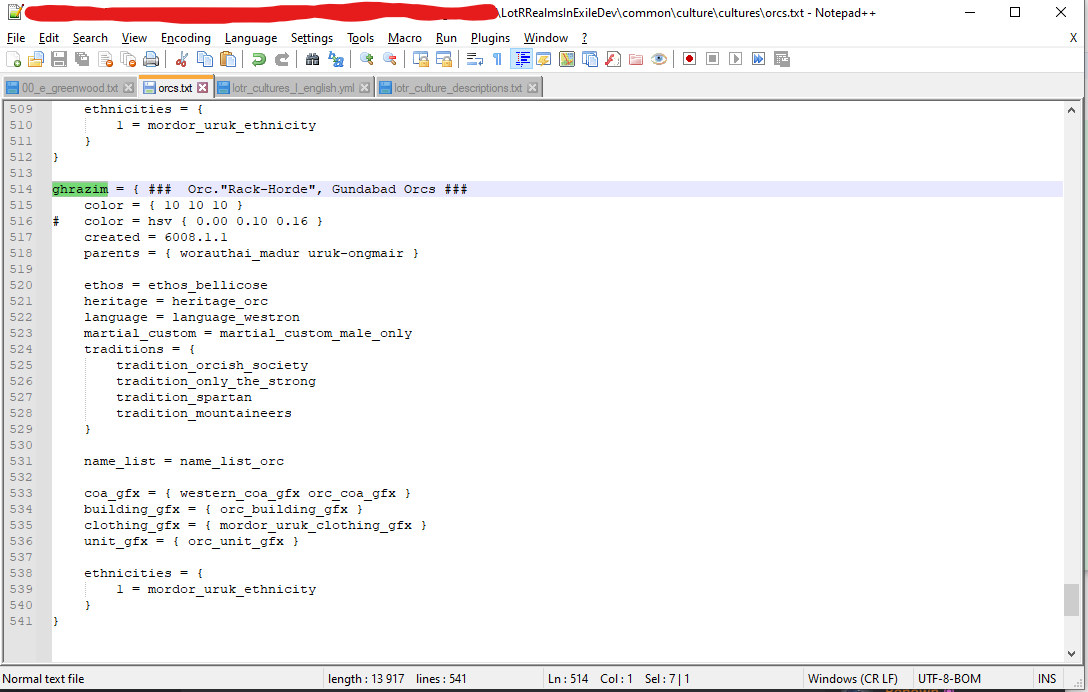
Here you'll see the essential stuff that is the foundation of what an Culture is. Let's go threw them!
-
culture_name_file = {This is the set file name for your culture, that you'll need to use to link stuff to your culture. -
color = { 00 00 00 }This determine colour #for something. -
# color = hsv { 0.00 0.10 0.16 }This determine colour #for something. -
created = 3.1.1This determine what year the culture is created. the first numbers before the dot is the year, the numbers after that is month and the last ones are for days. An example for what our mods timeframe is are these numbers 3 = F.A. 1, 592 = S.A. 1, 4033 = T.A. 1, 7033 = T.A. 3000. -
parents = { culture_name_file culture_name_file }If your culture are a divergent from an other you need this line of code to tell which one it's from, if it is a merger of 2 cultures you need two culture name files of these. -
ethos = ethos_bellicoseset's what Ethos your culture has. -
heritage = heritage_SomethingSet's what heritage your culture has. -
language = language_SomethingSet's what Language your culture speaks. -
martial_custom = martial_custom_male_onlySet's up what kind of martial custom your culture has. -
traditions = {Under here is where you need to code what culture your culture has, you'll need to write them in their coded names each culture has.
-
`tradition_example 1` -
`tradition_example 2` -
`tradition_example 3` -
}
`tradition_example 4`
-
name_list = name_list_CultureThis line of code determines what kind of names your culture will have. -
coa_gfx = { western_coa_gfx example2_coa_gfx }Determine what kind of Coat of Arms your culture use. -
building_gfx = { example_building_gfx }this code determine what kind of building sets your culture will use. -
clothing_gfx = { example_clothing_gfx }This determine what kind of cloths your culture will use. -
unit_gfx = { example_unit_gfx }"not sure if this are the maa or the unit model on the map it represent". -
ethnicities = {you need this line of code to tell what kind of ethnicity this culture will use.1 = example_ethnicitythis is the line of code that tells what specific ethnicity your culture use.
And with that these steps in this file are done.
Now you'll need to go to the folder LotRRealmsInExileDev\localization\english\culture to set up names & descriptions for your culture. Here you'll find the file lotr_cultures_l_english.yml
Click to expand
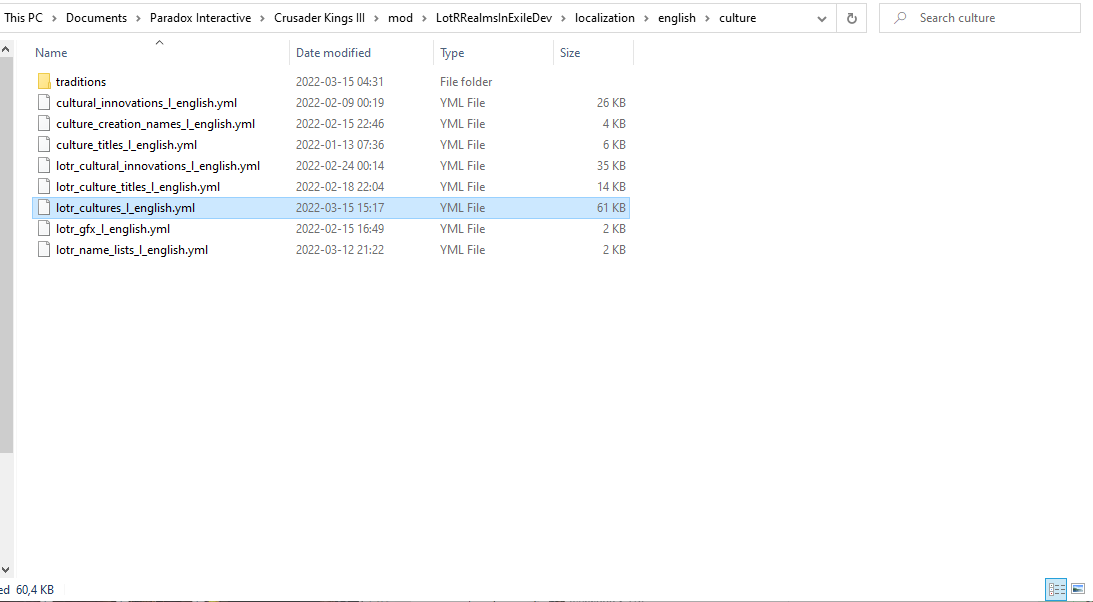
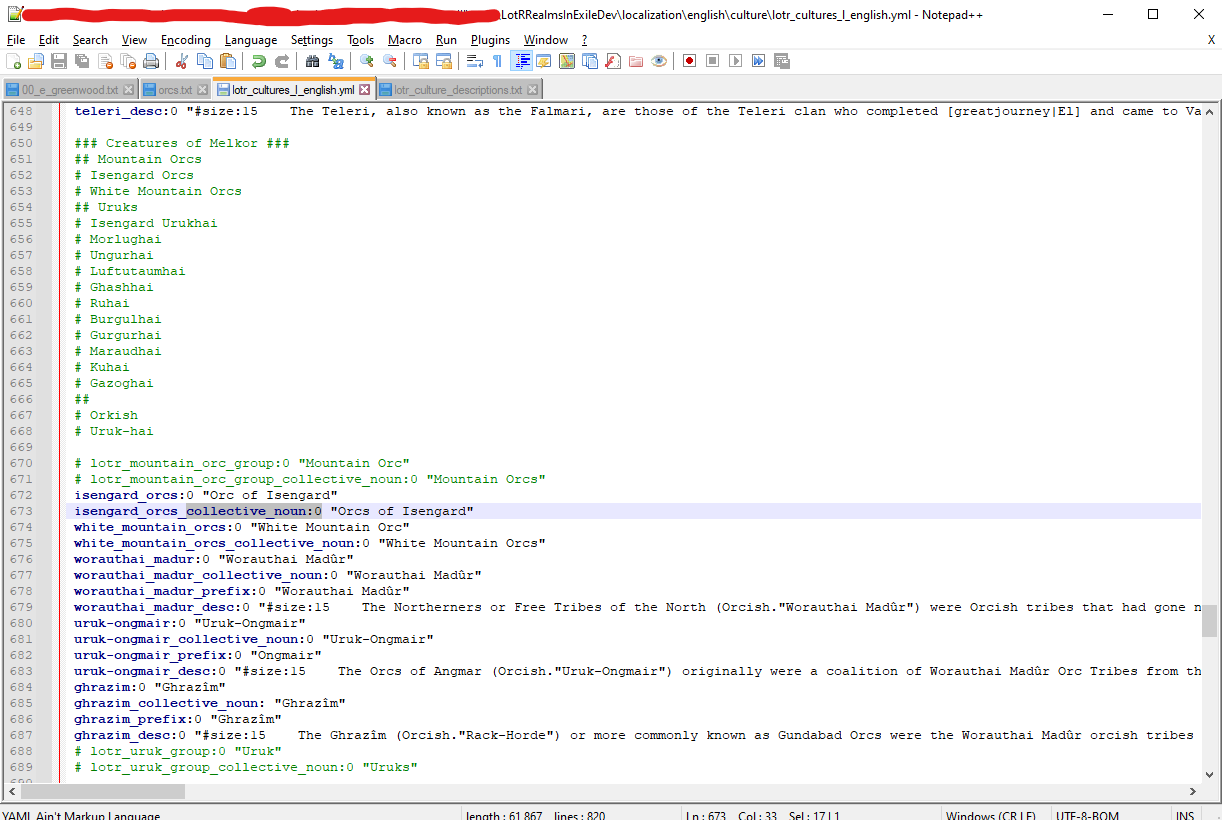
Open this file with Notepad++ . Here you'll need to create or find your cultural group, where you'll list your new culture. It'll need at least a 2 things. the cultural_name:0 you made earlier and a cultural_name_collective_noun:0 . This will show how their names are shown ingame. you can also add cultural_name_prefix:0 to add a well "prefix something, someone smarter then me describe this please" and cultural_name_desc:0 which you'll need to decide a size, like in the picture here bellow, i guess size:15 is the standard, but also write a descriptive text which explains what your culture is.
Click to expand
And with that these steps in this file are done.
To get your Description for your culture to show up ingame your need to go to this folder; LotRRealmsInExileDev\common\scripted_guis
Click to expand
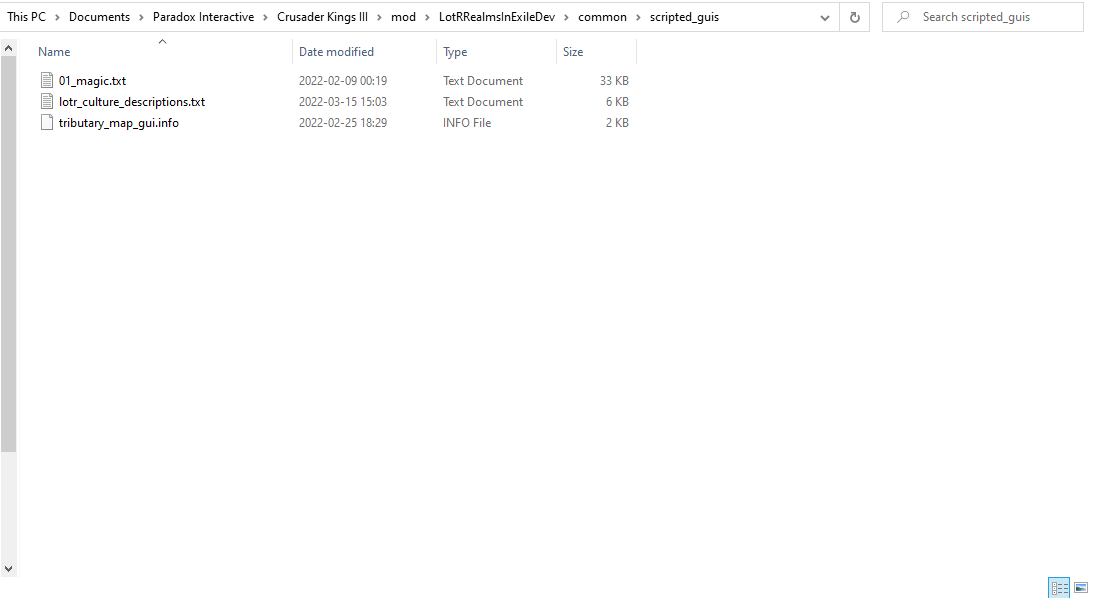
And then you'll need to open the file, and the line culture:your_culture = { custom_tooltip = your_culture_desc } to the list.
Click to expand
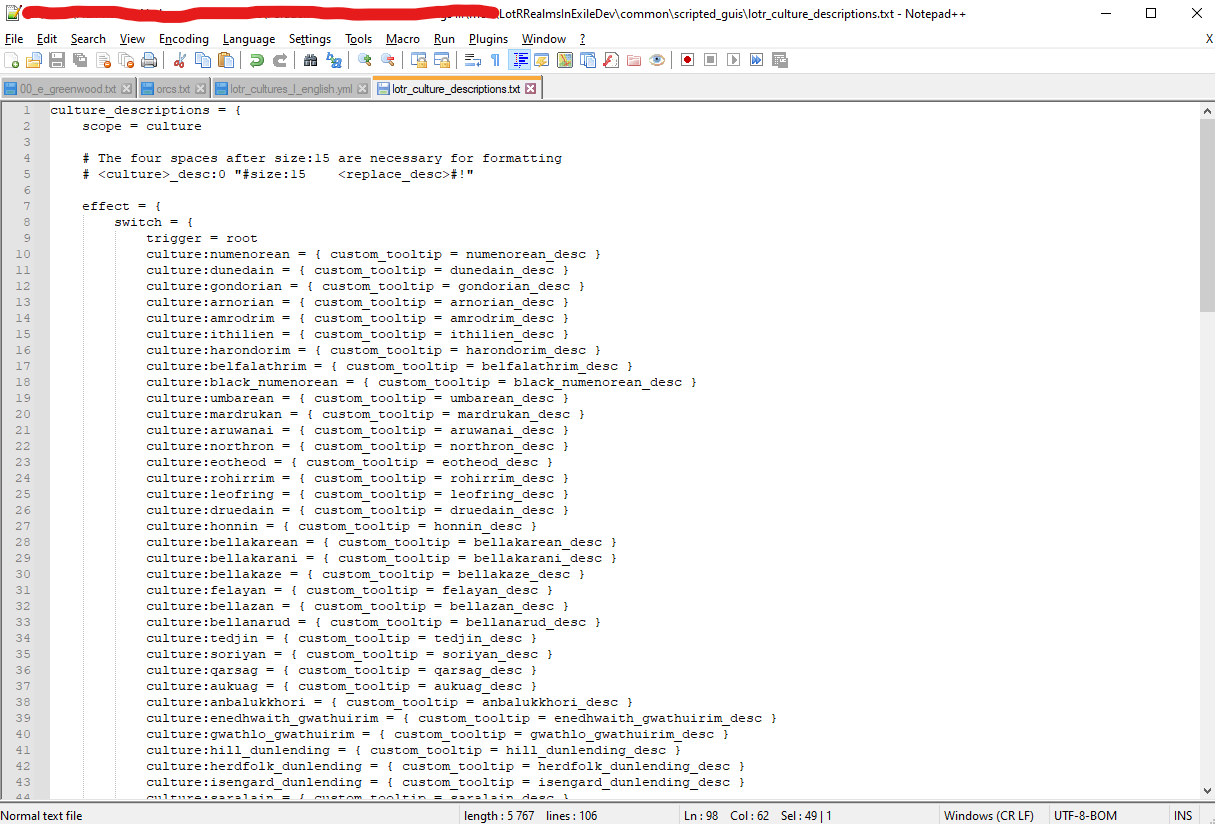
And with that these steps in this file are done.
So now we got a culture, but we might also want to add them into our mod, you'll need to go to the folder LotRRealmsInExileDev\history\provinces and open up the correct txt file for the area you want to put your culture in (probably by using Notepad++).
Click to expand
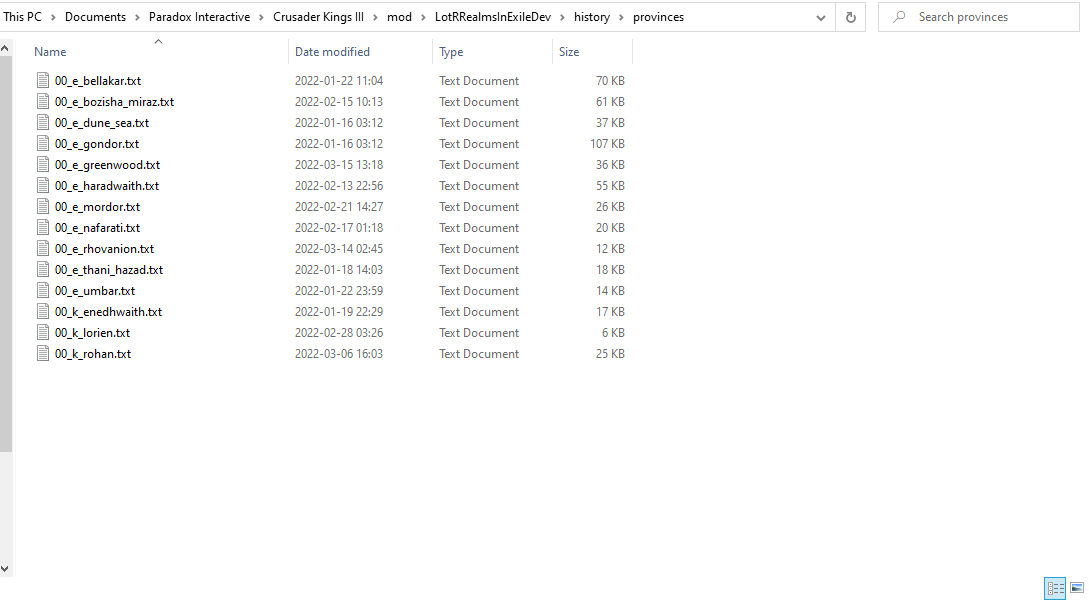
Here you'll need to find the counties and baronies you want them in and code them in, but writing their code name your choicen for them into the correct code line, example: culture = ghrazim
Click to expand
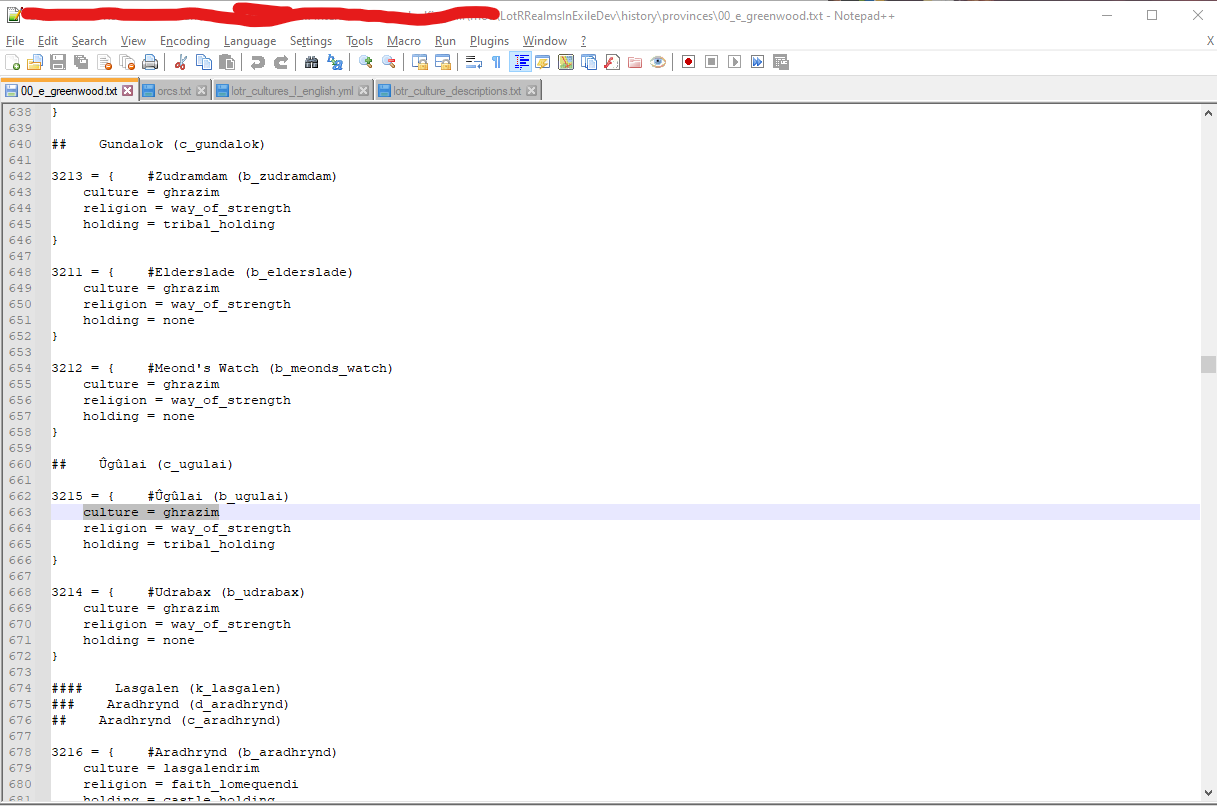 Another example
And with this, your culture should appear ingame! # This probably need some tidying up, with some additions.
To make an tradition you need to go to the folder LotRRealmsInExileDev\common\culture\traditions here you'll find several txt files (that you should open using Notepad++) to work with, A recommendation is to copy a similar base crusader kings 3 tradition and tweak that into what your wanting to make.
Click to expand
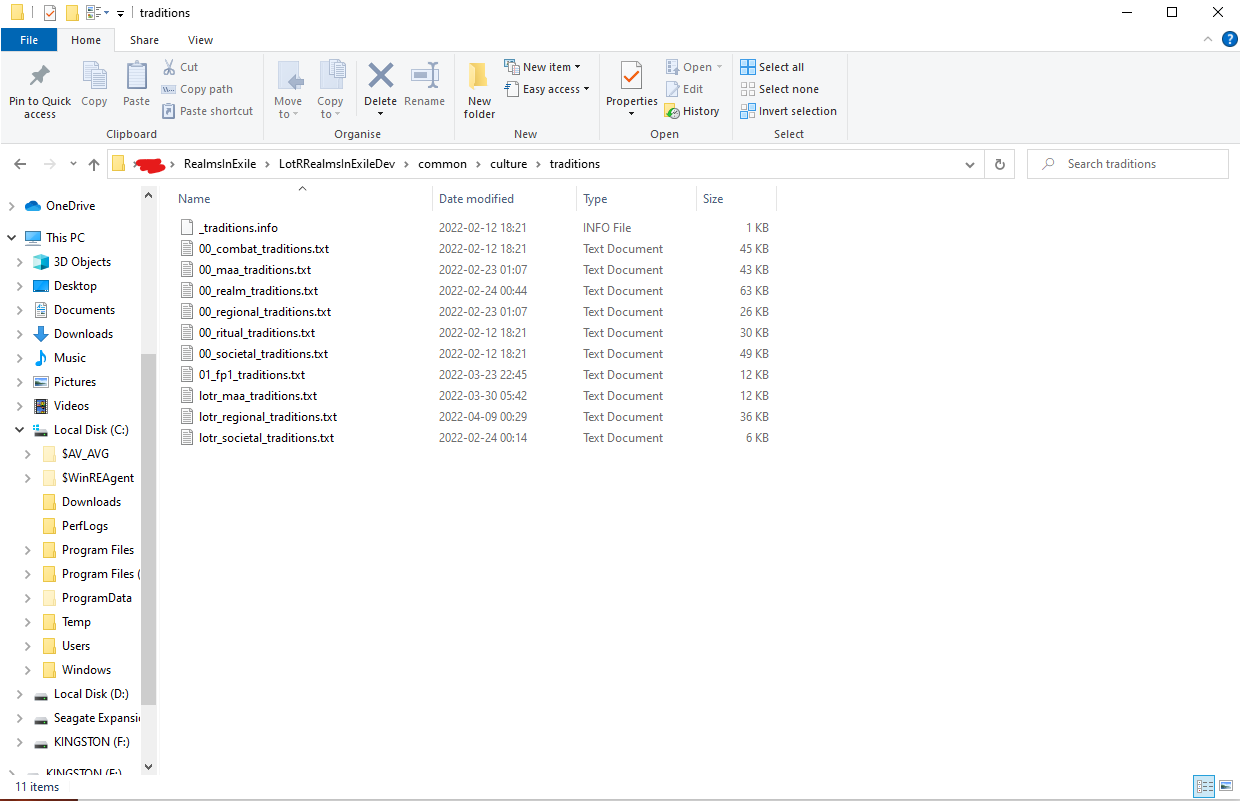 The Folder with the files.
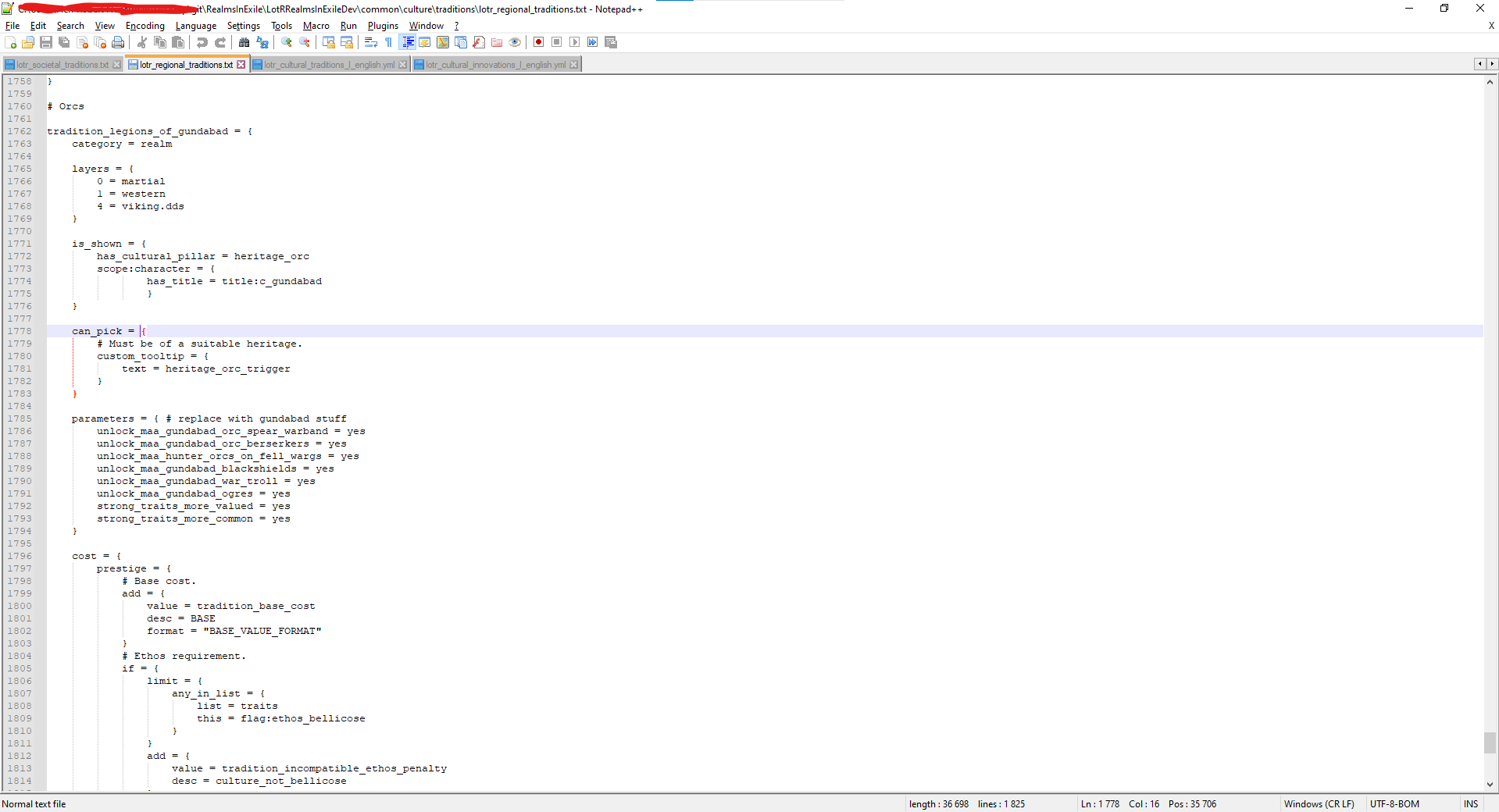 Example of how a tradition can look like
(maybe a list of variables here for the future)
One you've created your code in the txt file in LotRRealmsInExileDev\common\culture\traditions you need to give it some localization. You'll need to go to RealmsInExile\LotRRealmsInExileDev\localization\english\culture\traditionsand open the fitting yml file there, and apply the fitting localization there, easily copied by looking at the already existing stuff.
Click to expand
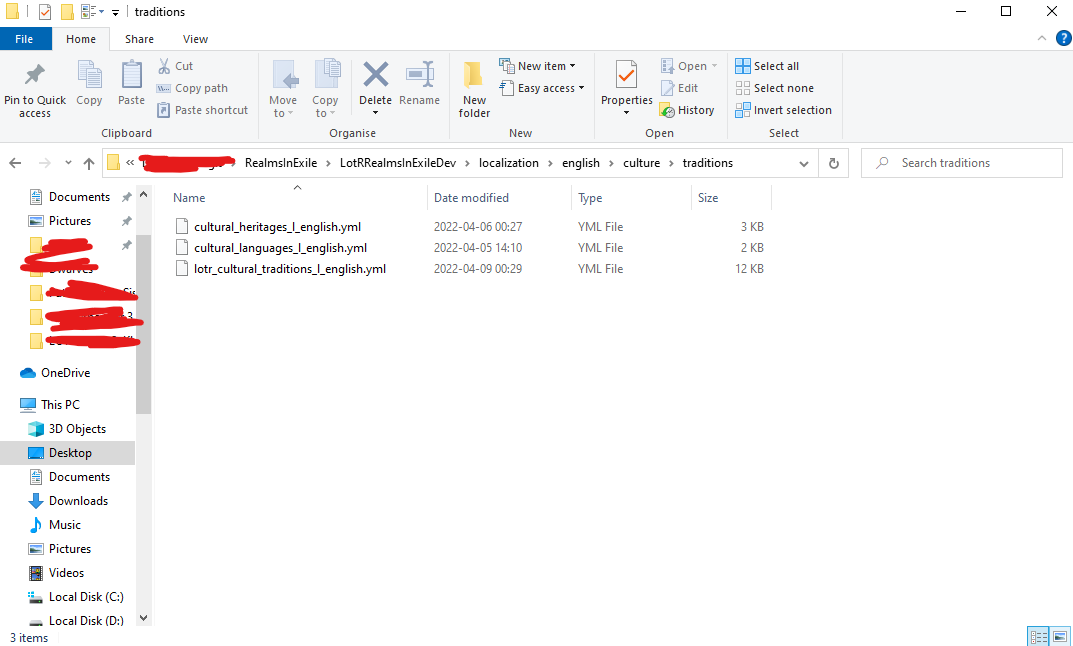 Folder
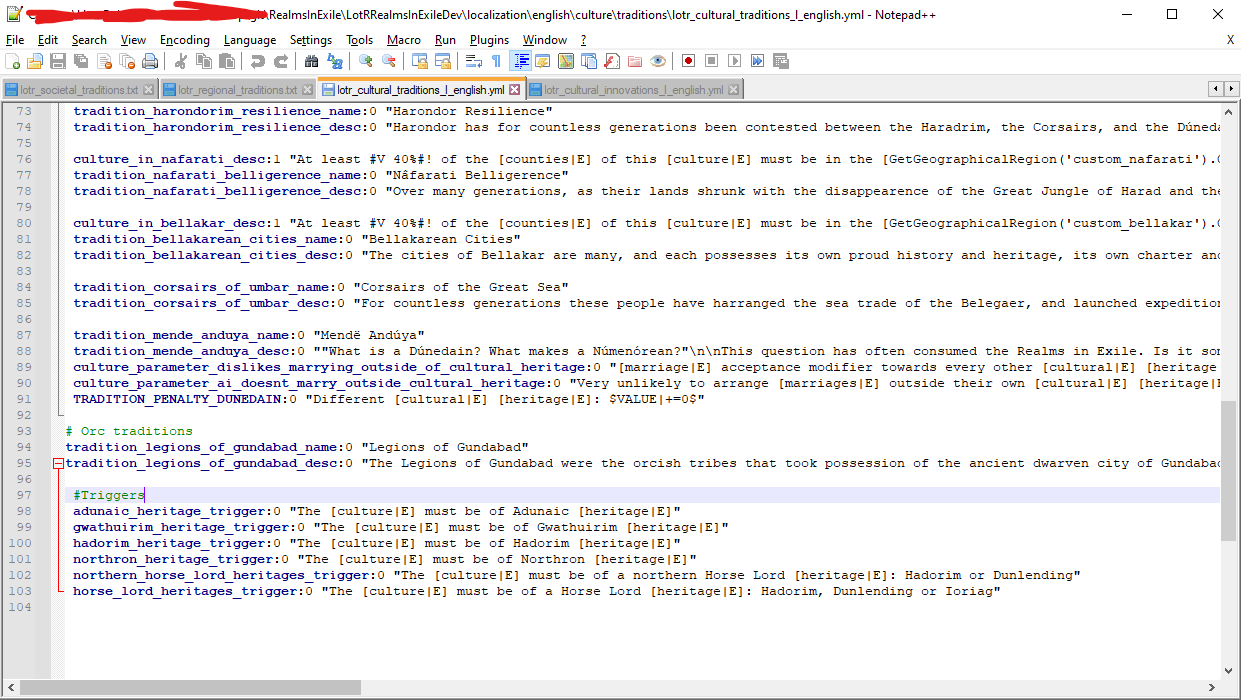 Example of the making of the "Legions of Gundabad" tradition
Whit this the tradition should work and you'll either have to apply it to a existing culture in LotRRealmsInExileDev\common\culture\cultures or leave it for culture to chose.
To be added~