GUI development - AymenB98/Bird-Cafe GitHub Wiki
This Wiki page is discussing the process of GUI development, instructions for how to build the GUI can be found in the build manual.
Design
At the start of the project, the team highlighted the desire to be able to run the code via a simple GUI instead of from the command line. The three main functions of the GUI were to start the code, stop the code, and allow the viewer to easily view the most recent bird-photo that was taken. The preliminary design for the GUI can be seen below:
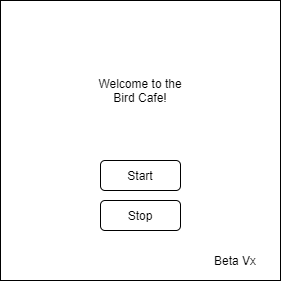
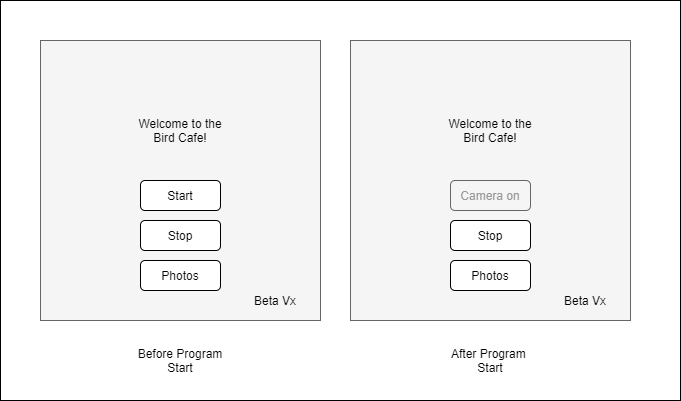
This gave it the basic functionality however some improvements on the design were considered as the project went on. Firstly, the deactivation of the start button after use. This prevents the user repeatedly trying to start an already started process. The start button is reactivated after the process is stopped using the stop button.
Finally, the addition of a very simple photo viewer allowed was added so as to make the most recent bird-photo more easily accessible, opening them in a separate window.
The final design can be seen below:
Implementation
After the basic design was complete, replicating it in C++ using Qt5 was the next step. Using box layouts, push buttons and labels to create the final GUI.
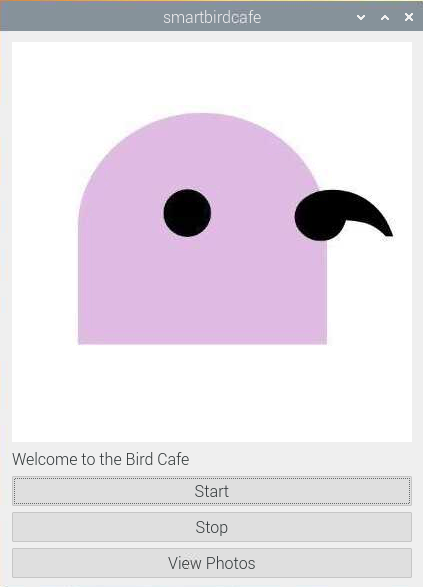
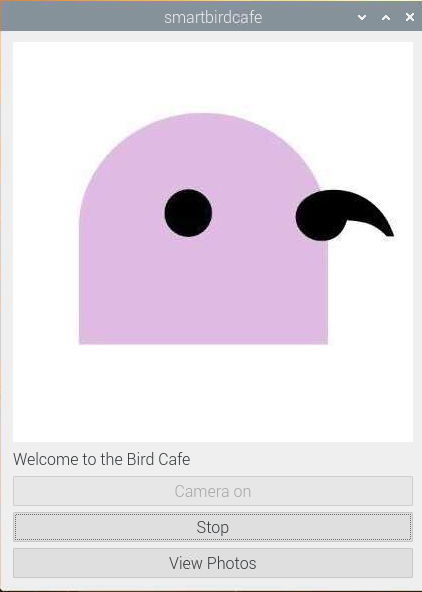
An added icon for branding was added to the GUI.