Extracting filenames from Windows Explorer for Vernon List Manager - AucklandMuseum/flickrUploader GitHub Wiki
In order to turn a folder of JPEGs into a Vernon list, you first need to open a Command Prompt at the folder.
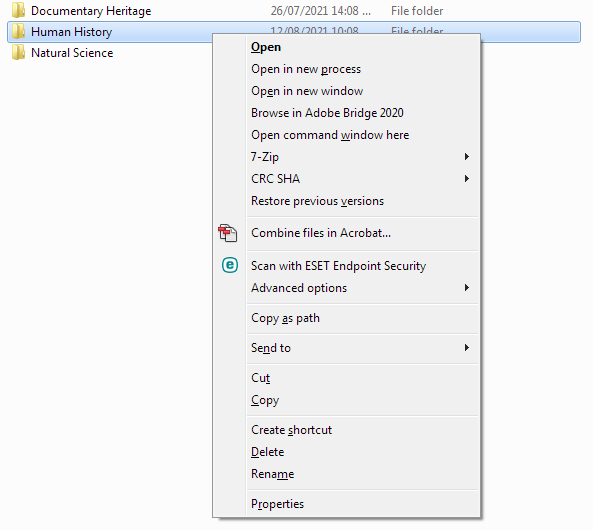
Shift-Right-click, and choose "Open command window here":
Run this command:
dir .\*.jpg /b > jpegs.txt
This lists all the files with a .jpg extension in the current folder (using bare list format) and redirects the output to jpegs.txt.
Open the file in in Notepad to make sure it contains what you need:
notepad jpegs.txt
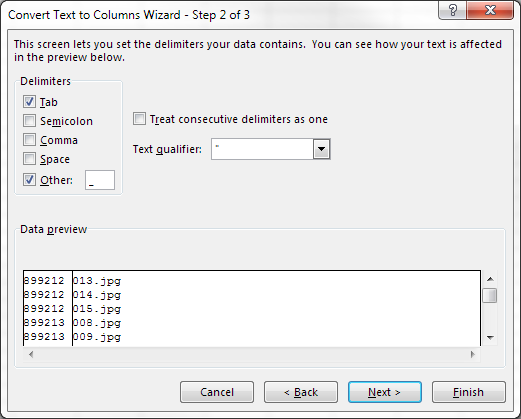
Open the text file in Excel and use Text to Columns to split off everything after the _ so that you have just the Vernon IDs:
Delete column B, and Remove Duplicates (Alt-Q, search "remove", or choose it from the Data Tools segment of the Data tab of the ribbon).
Put this formula in B2:
=CONCAT("ID\",A1)
Fill down, copy, and paste as Values (Ctrl-V, V) so you end up with plain text on the clipboard. ID\ is the Search Key for the System ID field; this will make the next step much quicker.
In Vernon, open the List Manager for the Object module, and Paste List quietly (Ctrl-Shift-V):
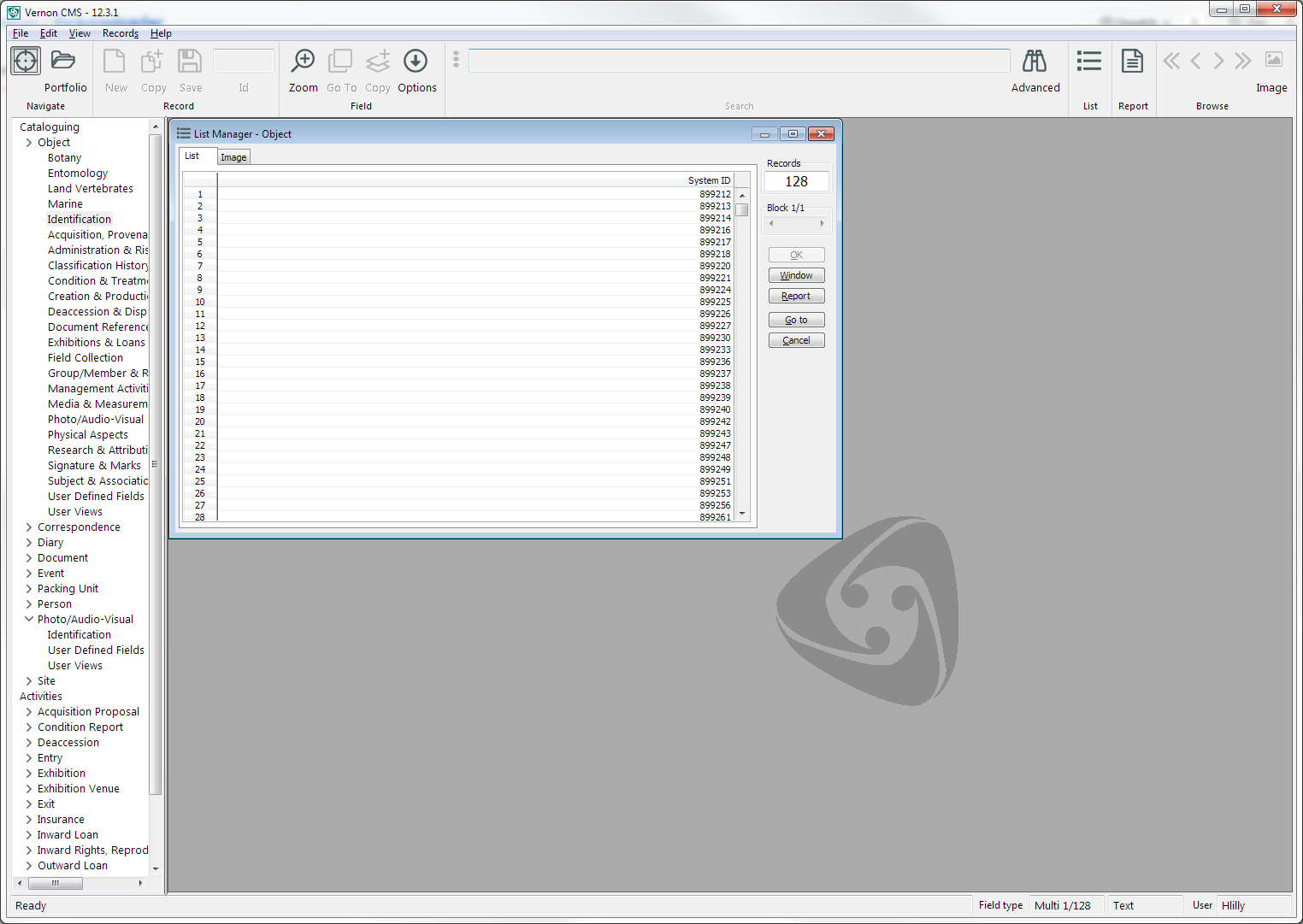
You've now got a list that you can save and use to refine what to upload to Flickr (by making sure that the records are online, not on loan, and openly licensed).