Solution Cameras - ArveVM/MyAssistedHome GitHub Wiki
ArveVM, December.2022
- Need a way for record when people come visit (warnings), recording in case of theft and general surveilamce
- Record no audio
- Record only when movement
| Chapter | Description/purpose |
|---|---|
| How it works | High level view - how it works |
| Camera | Camera-card |
| Requirements/install tipstroubleshooting | Some guidance on what is required and how to install (not at all my biggest priority to keep this up to date, but at least I have tried somehow ;) |
| Credits and inspiration | Listing the particular support, ideas, resources that I have to thank especially for this Solution |
- Buy cameras that work with ONVIF.
- Try camera-stream in VLC-media-palyer to ensure you have right stream
- Add camera-stream with right arguments to Frigate-config (see Frigate instructions for guidance
- Add camera-entity to Frigate-card
| Card preview | Card | Config |
|---|---|---|
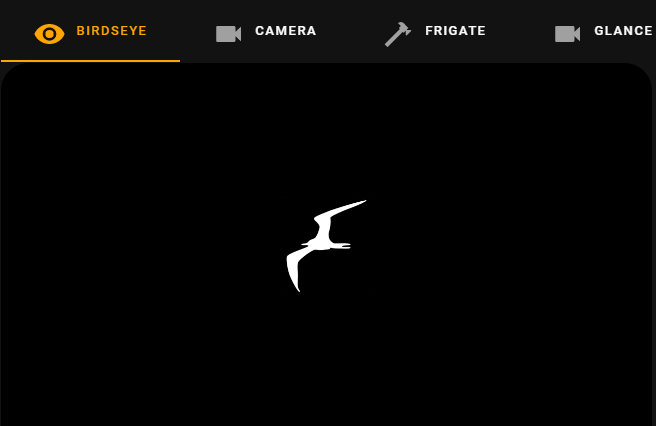 |
Camera card | n/a - Frigate integration configured in GUI - Frigate Docker configured on unRaid |
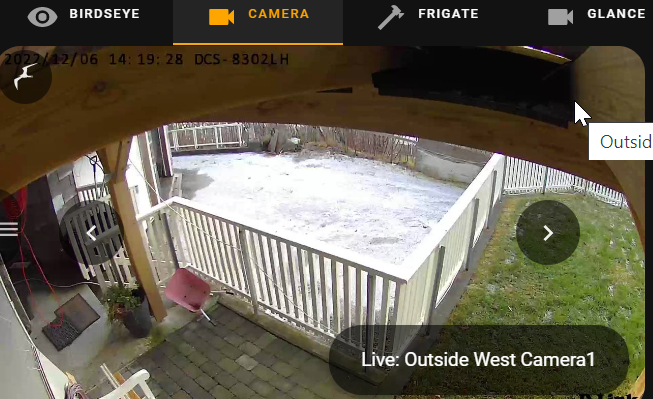 |
second tab | - click left/right for other cameras - frigate-bird gives menu of recordings/snapshots/timeline etc |
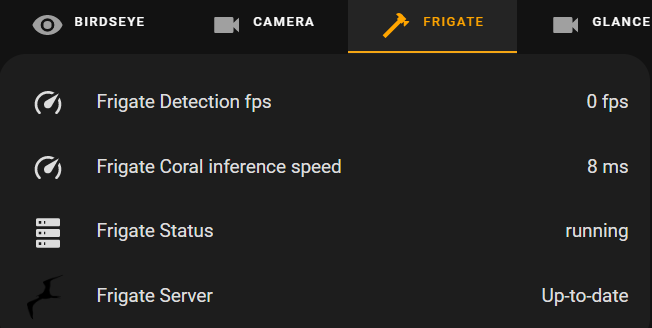 |
third tab | |
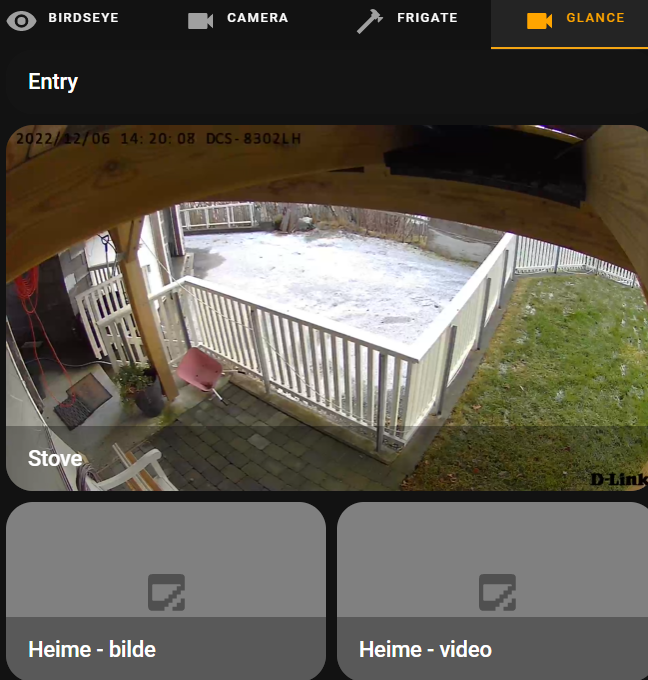 |
last tab | Added picture-glance of an old camera without onvif (added as generic-camera in GUI) |
Click to unfold list of booring requirements, tips etc
- unRaid Docker: Frigate
- HACS-integration: Frigate
- HACS-frontend: rigate-card
- HACS-frontend: tabbed-card
- HACS-frontend: auto-entities Optional
- Dashboard:
- yaml-dashboard (but you can copy dashboard-code to UI-dashboard/card
-
Install Frigate docker - (optional HA-Addon; Frigate)
-
add config to Frigate-docker (config-file need to be created, verify in Frigate web-ui that you have connection to camera(s))
-
Installed HA frigate-integration (ensure you get in the frigate-cameras)
-
copy and insert code for card whereever suitable for your installation
-
redo/change to your naming standards/cameras/entities :)
nah,,
maybe someday I will document the docker-setup and -config ;),, just maybe,,,
for birdseye-view: https://github.com/blakeblackshear/frigate/issues/2606 look at comment from mattkasa commented on Jan 19 for an card-update within lovelace card-config!!
- Kenneth M, partial Frigate config ;)
- Better documentation of server/docker setup
- might do something with history/graphs etc? counter on how often ?
- warning/popup when person detected (and a pause-function?)