Sprite Animation - ArturoNereu/TinyCookbook GitHub Wiki
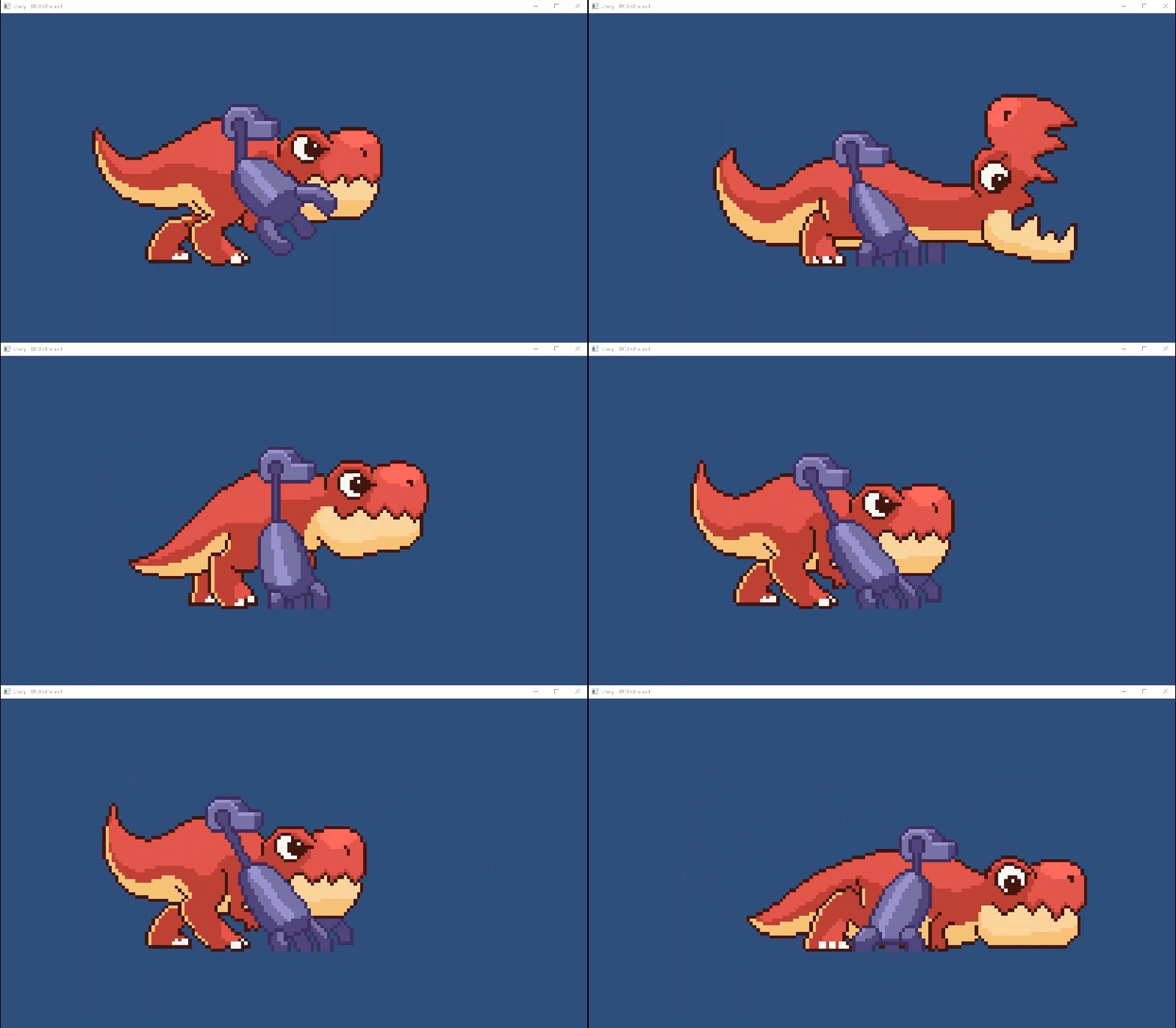
Animating sequences of sprites in Project Tiny is pretty straighforward, and you don't need to write custom code to play them, however for switching between them you might need to.
The Entity you want to animate needs two Components; a Sprite2DRenderer(in charge of the rendering) and a Sprite2DSequencePlayer(in charge of playing back the animation).
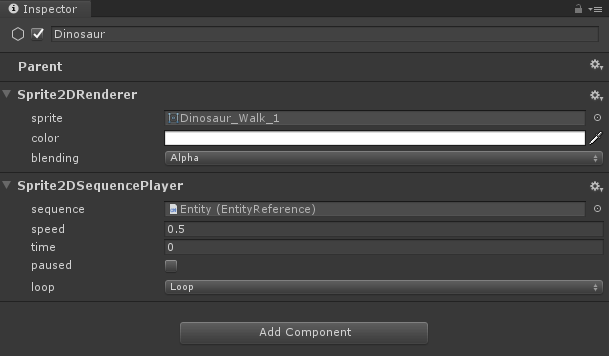
If you will only have one animation playing, then you can add the Sprite2DSequence component to the Entity, but in most cases you might need to switch between sequences, so you can add another Child Entity per sequence you want to have.
In the recipe here, we have two child Entities, one for the Walking animation and the other one for the Bite animation.

In any case, for an animation to play, you need to make sure that the Speed value in the Sprite2DSequencePlayer component is set to a number higher than 0 and that the sequence property has a reference to an Entity with the Sprite2DSequence component correctly configured. In this recipe, we have two child Entities with two animations, if you want to playback either of those, you need to drag and drop the Entity.
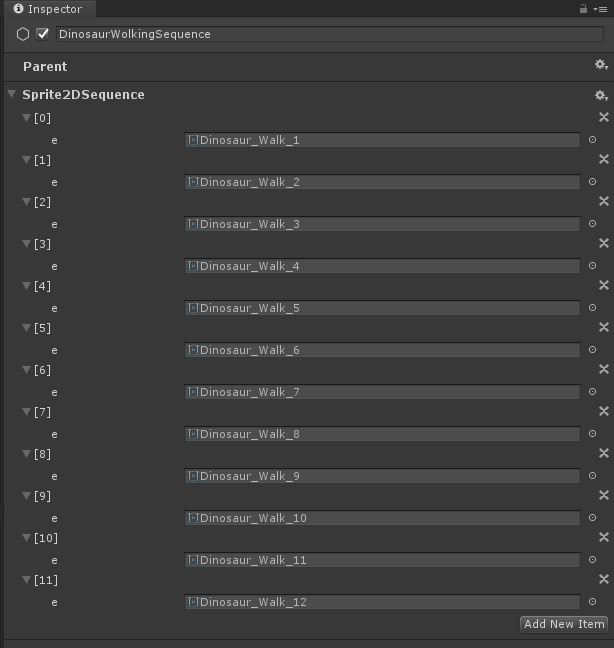
In your Sprite2DSequence component you need to add the items in your sprite sequence, in the correct order. For the Walking animation, the component looks like this: