Quick start - Arkezar/EarthTool GitHub Wiki
Just grab current release
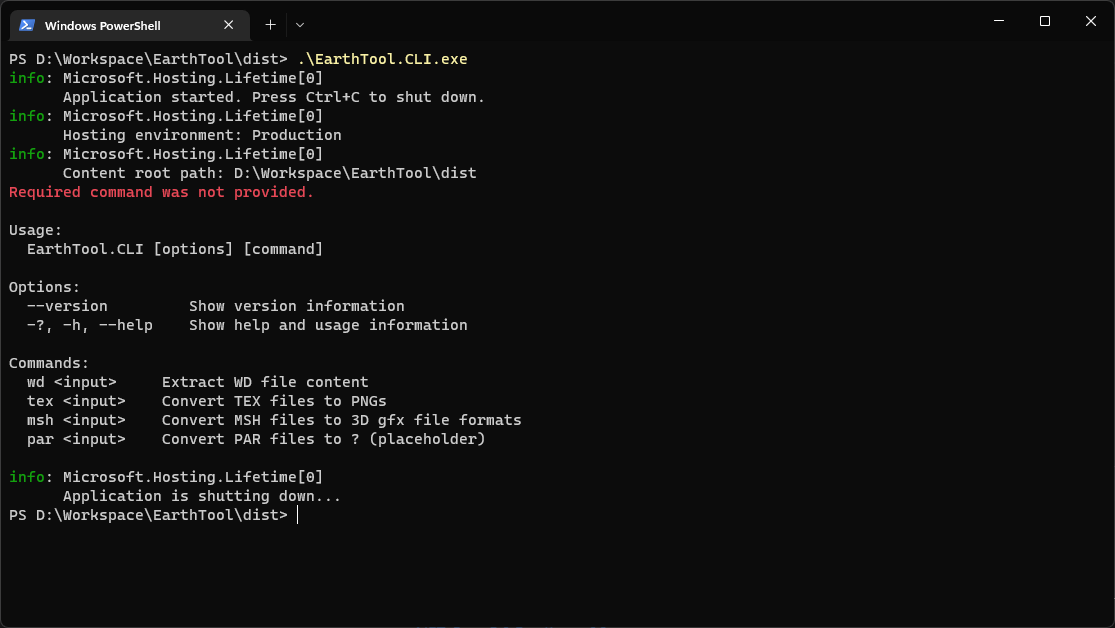
Execute EarthTool.CLI.exe from command line or PowerShell and it should display available options
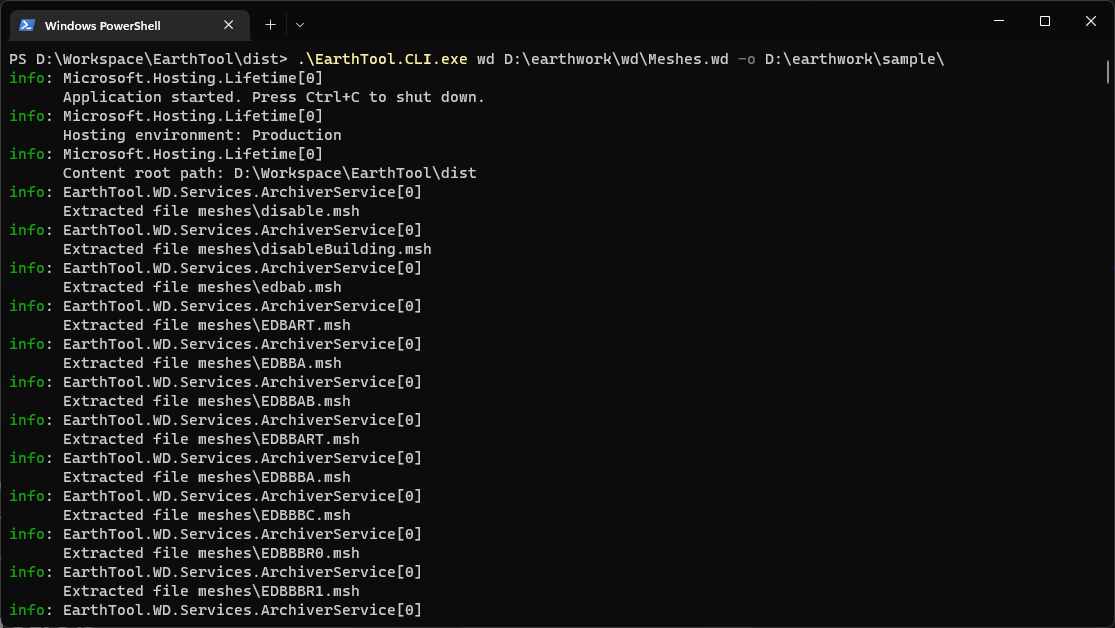
Execute EarthTool.CLI.exe wd <filepath> [-o <output folder>] and WD archive will be extracted to subfolder in filepath directory or provided output folder.
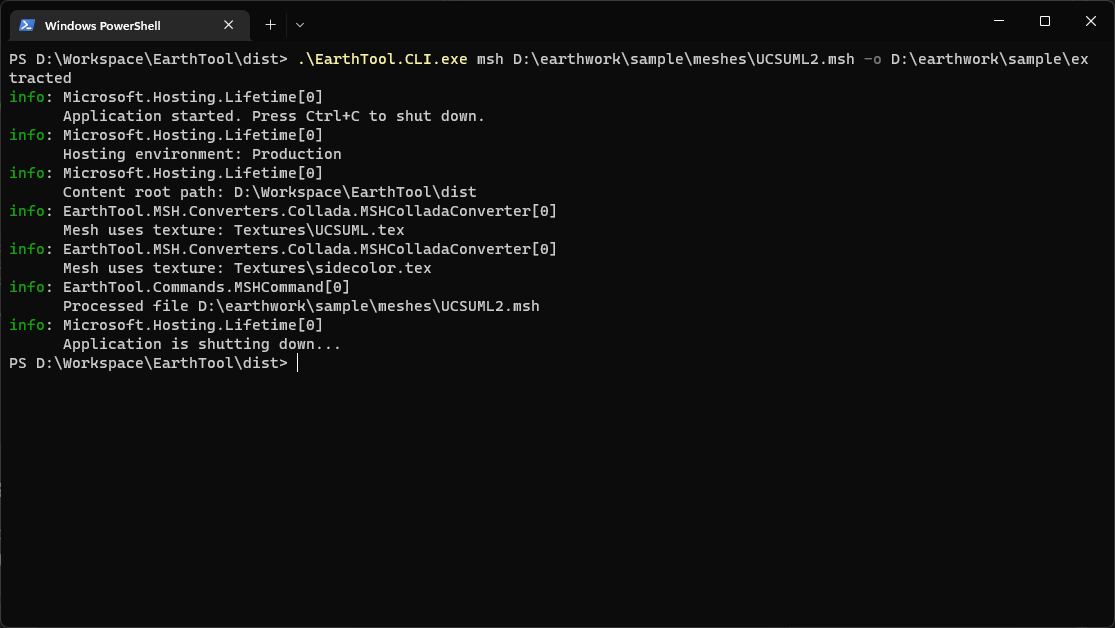
Execute EarthTool.CLI.exe msh <filepath> [-o <output folder>] and MSH file will be converted to DAE file (Collada) in subfolder of provided filepath directory or optional output folder.
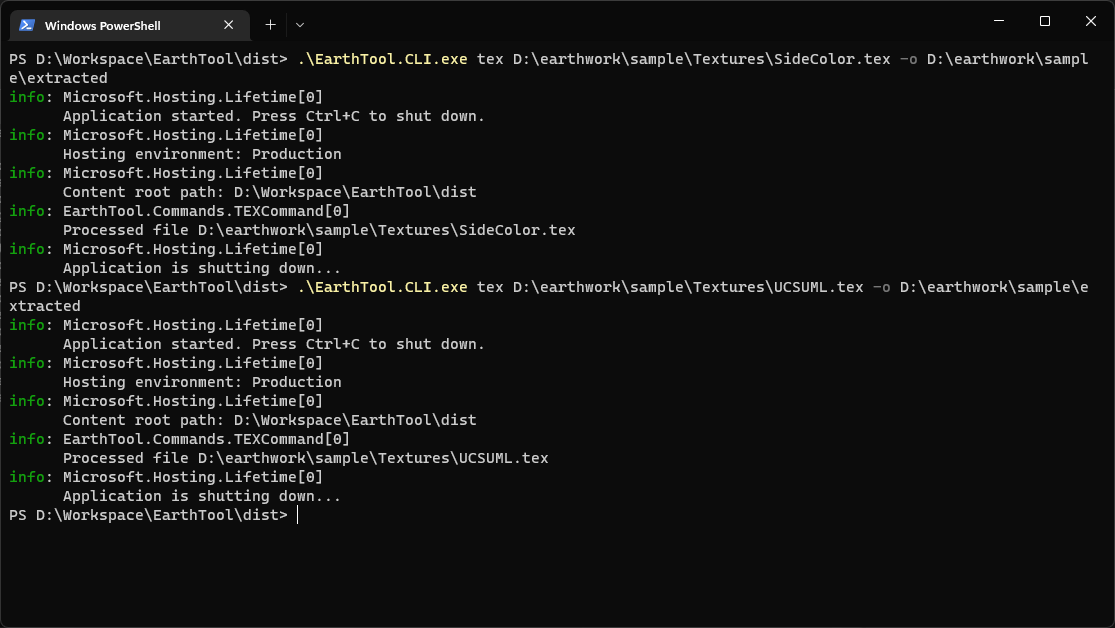
Execute EarthTool.CLI.exe tex <filepath> [-o <output folder>] and TEX file will be converted to PNG in subfolder of provided filepath directory or optional output folder.
-
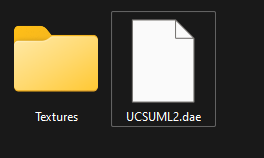
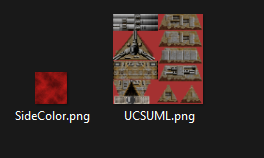
Place texture PNG files used by model (as listed in output during convertion of MSH file) in Texture folder relative to DAE model file
-
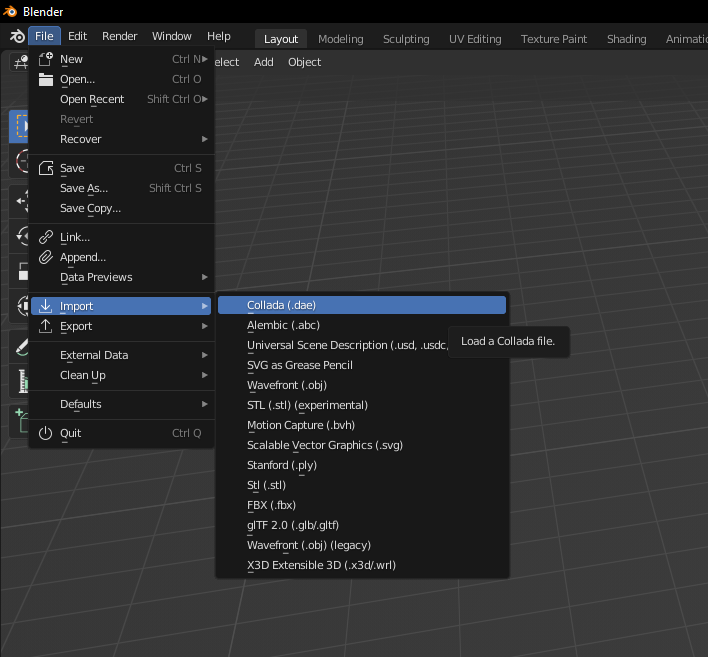
Import DAE file in Blender
-

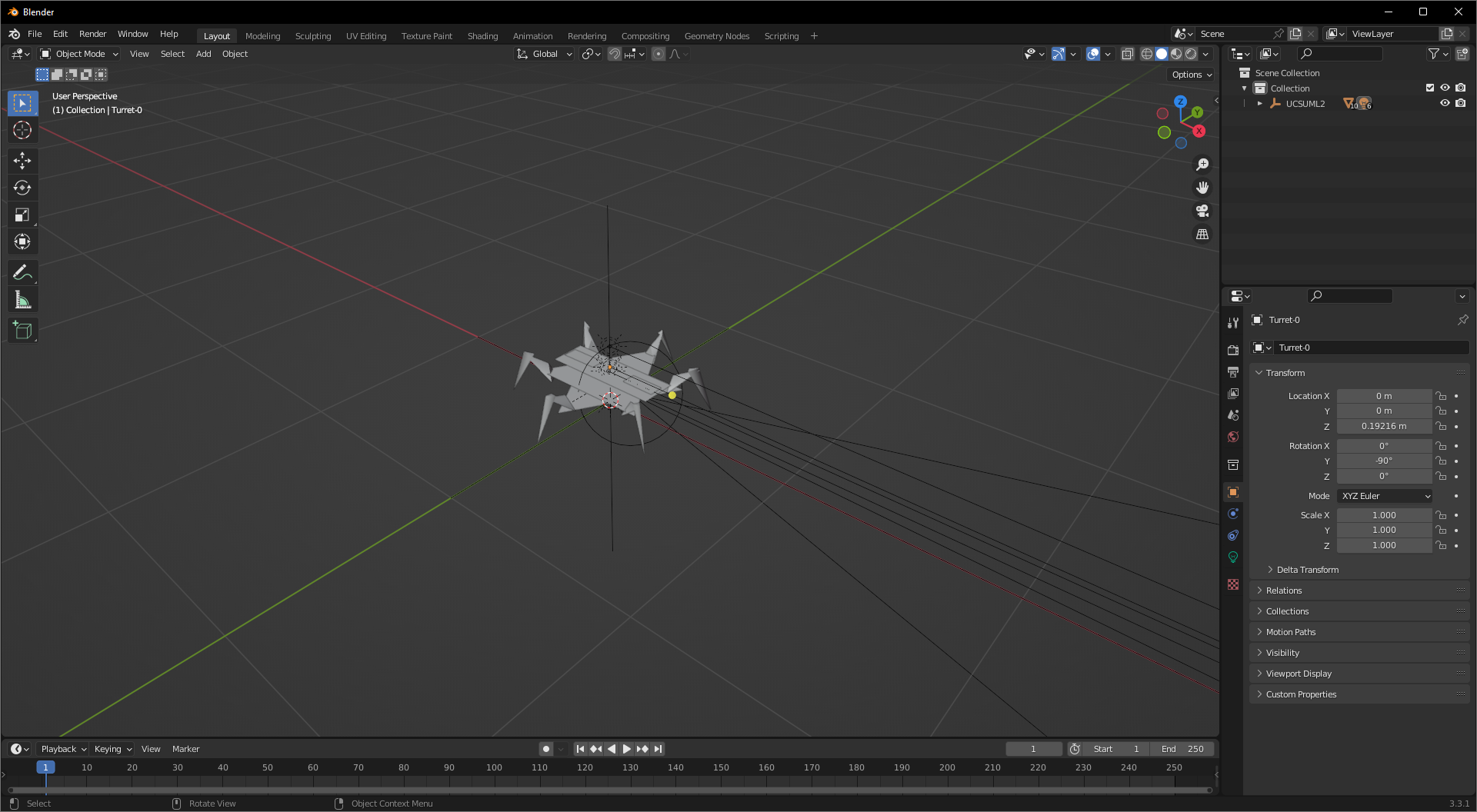
Imported model should look like that
-
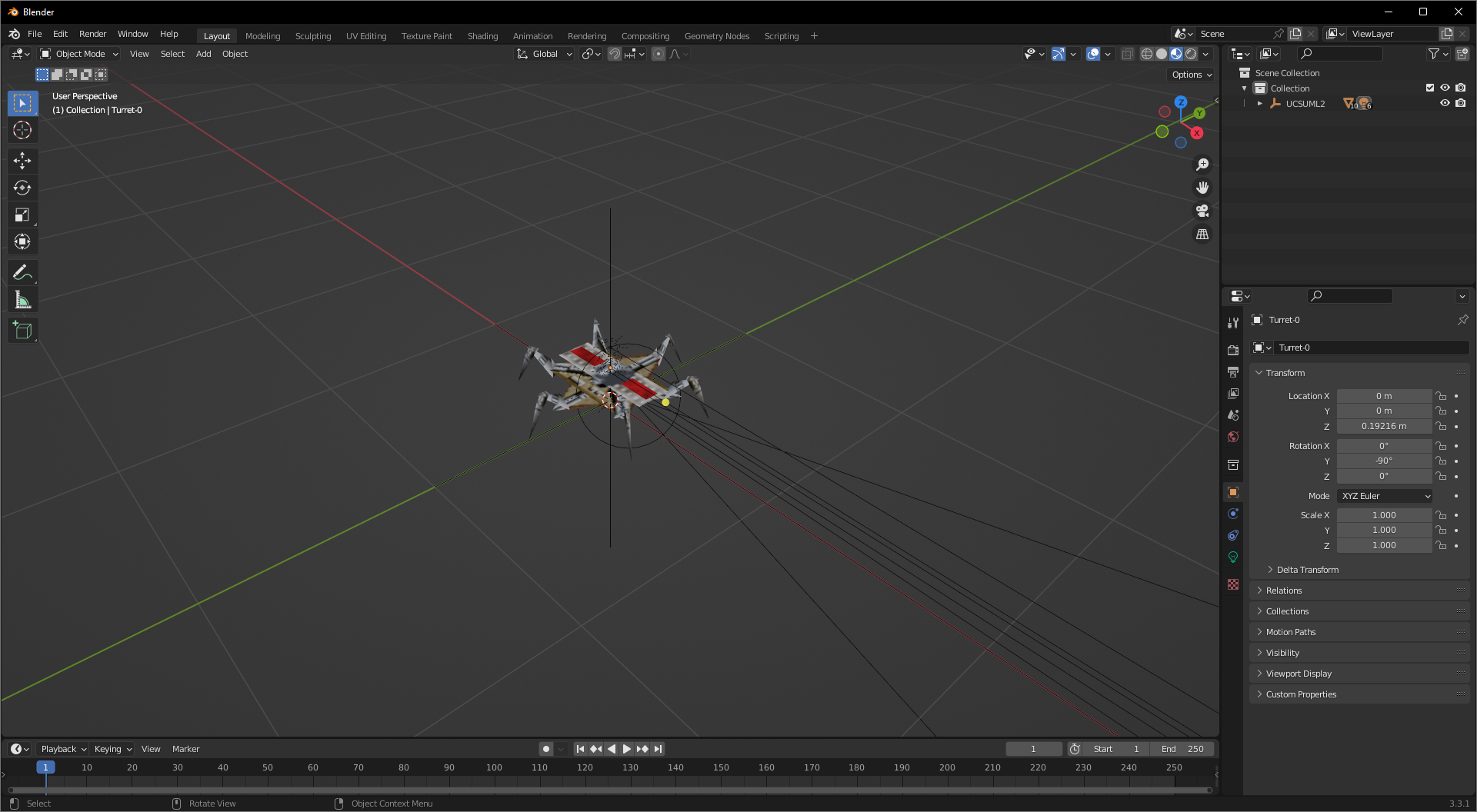
Texture should be automatically loaded and visible with
Material Preview
-
Where applicable animations should also be available