Eclipse Project Dependencies Plugins - AndreasWBartels/libraries GitHub Wiki
The eclipse project dependencies plugin, use the eclipse workspace model to visualize project dependencies.
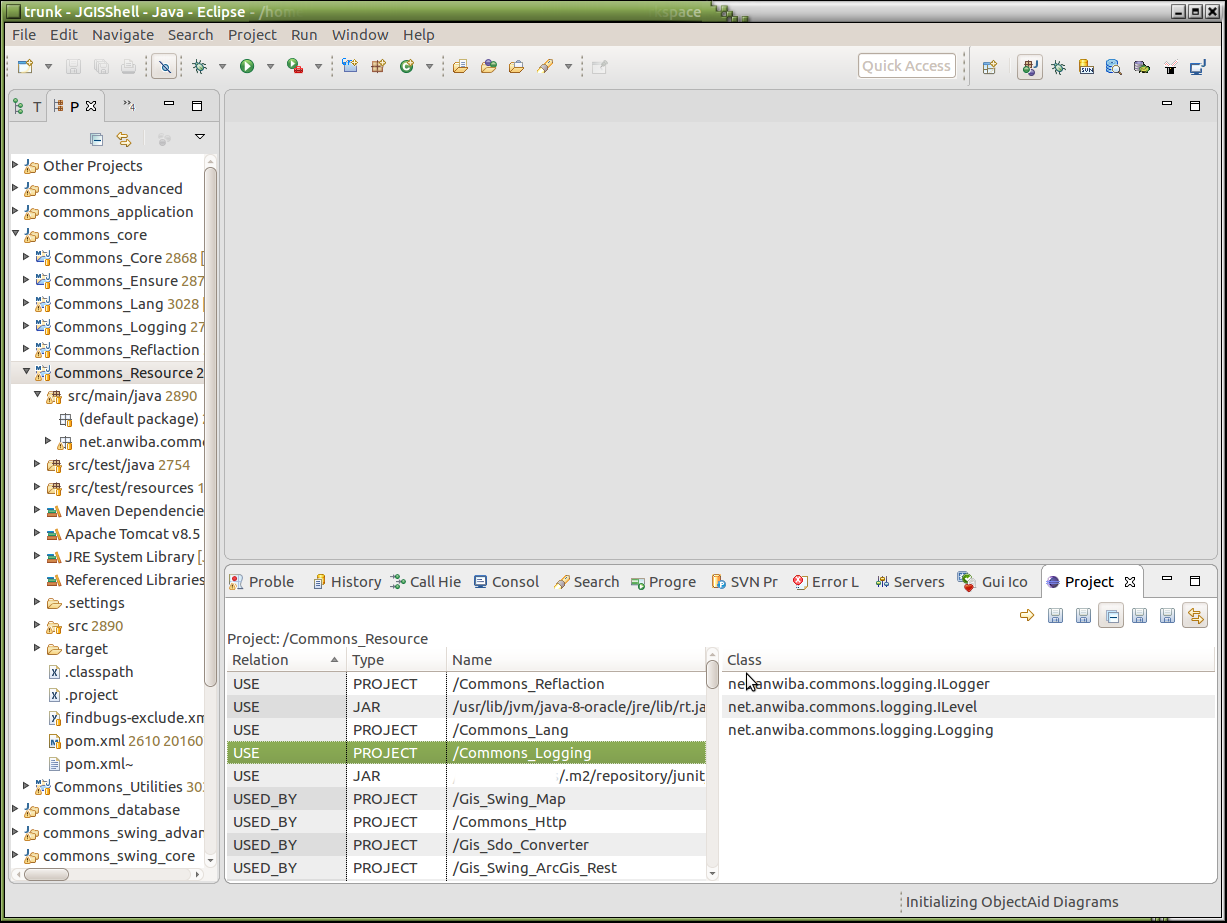
Install
Copy the following folders into your eclipse plugins folder
- plugins/net.anwiba.eclipse.project.dependencies-1.1.158
- plugins/net.anwiba.eclipse.libraries-1.1.158
- plugins/net.anwiba.eclipse.commons-1.1.158
Add the following line to eclipse.ini file
-Dnet.anwiba.eclipse.project.dependency.yed.jar={yed home path}/yed.jar
Open plugin view:
Window -> Show View -> Others...
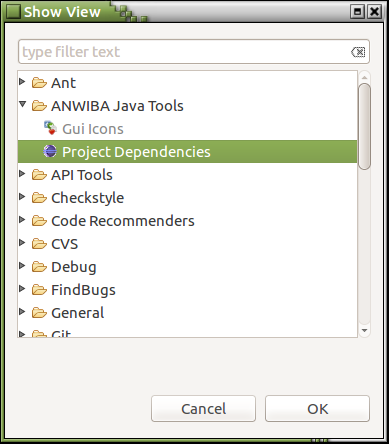
ANWIBA Java Tools -> Project Dependencies
Features
- run - workspace model scan
- save project dependencies as graphml-file
- save projects intersection dependencies as graphml-file
- normalize graph enable/disable (minimum or all dependencies as edge)
- save used libraries list
- save name hit maps
- switch enable/disable (link view with package explorer selection)
- navigation
workspace model scan
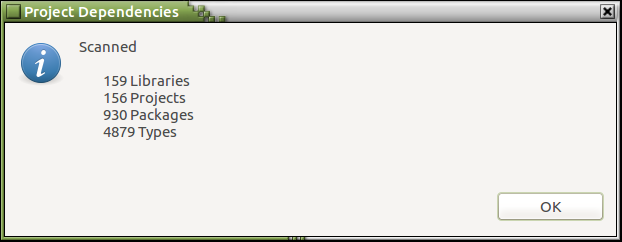
- the workspace scan is necessary.
- from method bodies absolute referenced types, couldn't be found
save project dependencies and save projects intersection dependencies as graphml-file
- the result is an yed compatible graphml-file.
- if java system property "net.anwiba.eclipse.project.dependency.yed.jar" is configured, eclipse launch yed
navigation
navigate to selected table entries, double click the entry