Network Shares - ATAC-Helicopter/VaultSync GitHub Wiki
Network shares
VaultSync supports NAS, SMB, and other network targets. This page covers performance, authentication, and reliability tips.
Performance guidelines
- Use wired Ethernet when possible.
- Avoid backing up during peak traffic.
- Keep latency low for best throughput.
Recommended setup
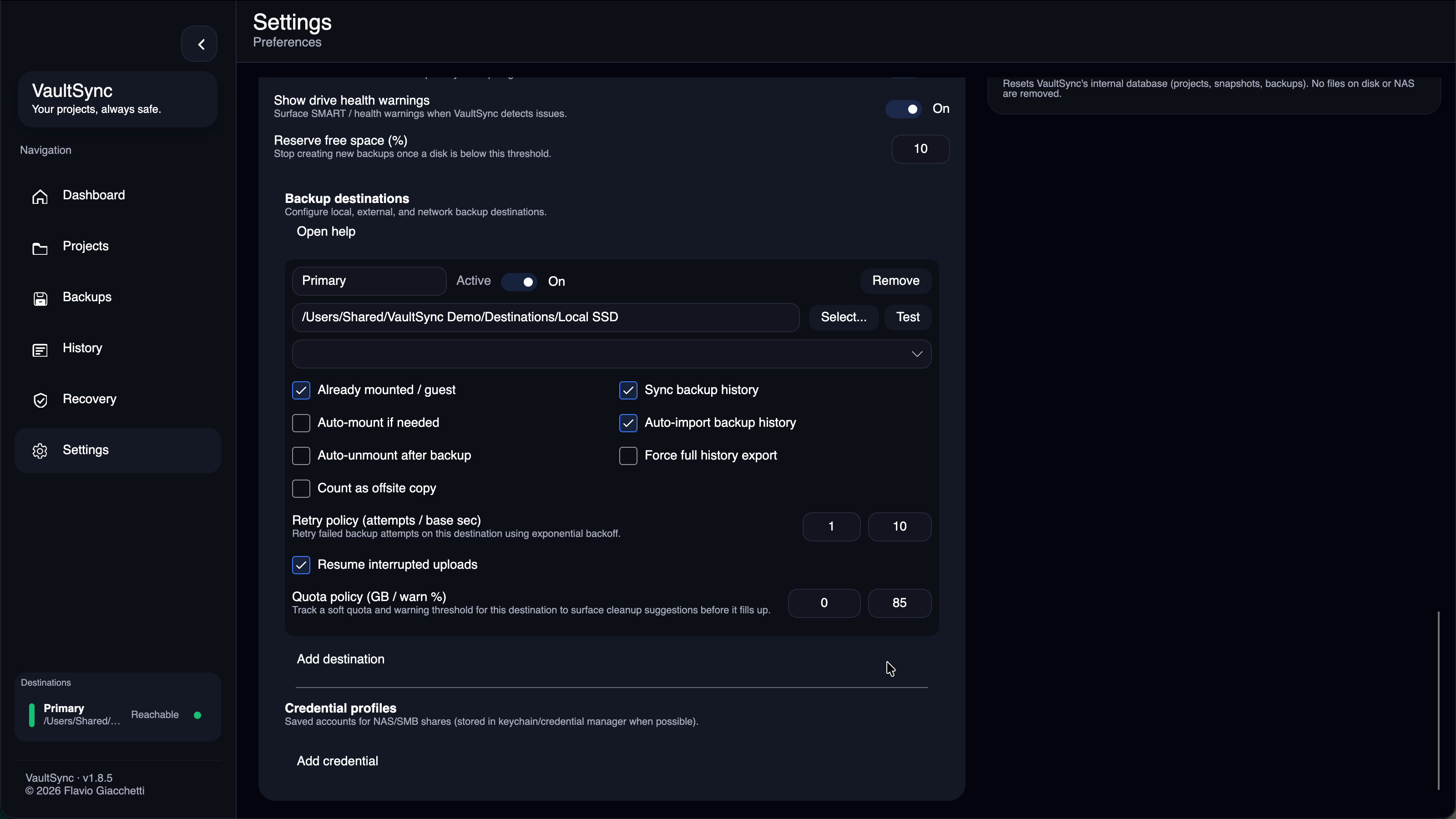
- Use Advanced mode for network destinations.
- Configure credentials in Settings > Destinations.
- Prefer pre-mounted paths if your environment manages mounts.
- On macOS, NFS requires pre-mounting with
sudo mount_nfs; auto-mount is not supported.
Optimizations
- VaultSync prefers rsync delta when available to reduce network usage.
- For large file trees, let the ETA stabilize after initial scanning.
Troubleshooting
- Verify the share is reachable in File Explorer.
- Check credentials and permissions.
- Use the destination test action in Settings.
- If a delete fails due to permissions, VaultSync can prompt for credentials to retry.
- On Windows SMB, disconnect existing connections that use different credentials before retrying.
- If NFS shows read-only on macOS, confirm server-side export permissions and share ownership.