EJAM Weapon Configurator - 10Dozen/dzn_EJAM GitHub Wiki
Launching
To open EJAM Weapon Configurator open scripting console and execute: call dzn_EJAM_Configure
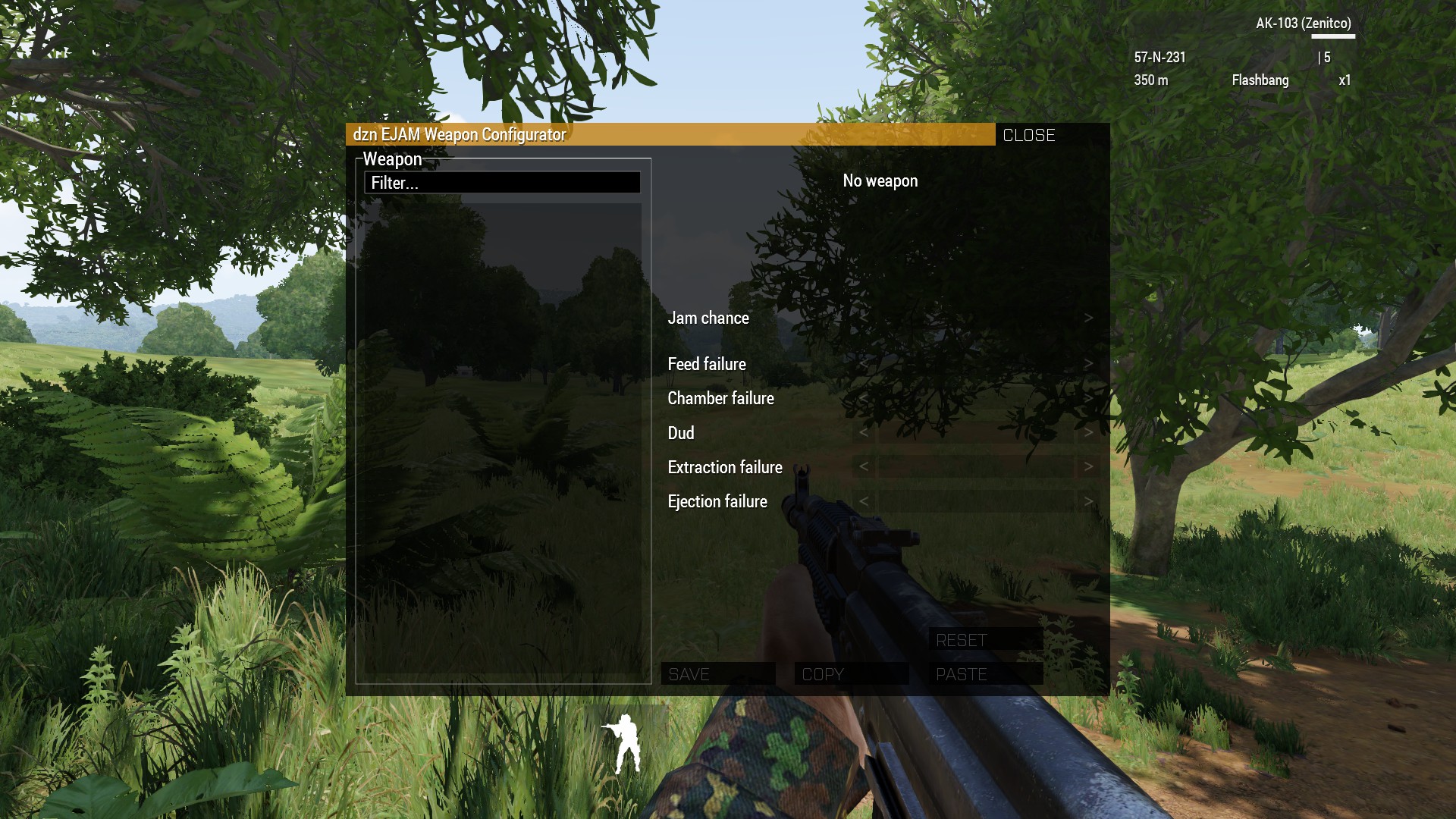
After closing the console Configurator window will be displayed:
Searching
Type weapon name in "Filter..." field and press Enter (or NumEnter) to start searching.
You may search several names same time by using | symbol between options, e.g.: M16A1|M16A2|M60 - will result in filtering by M16A1, M16A2 and M60 strings and return all primary weapons that contain given strings in the name.
Configuring
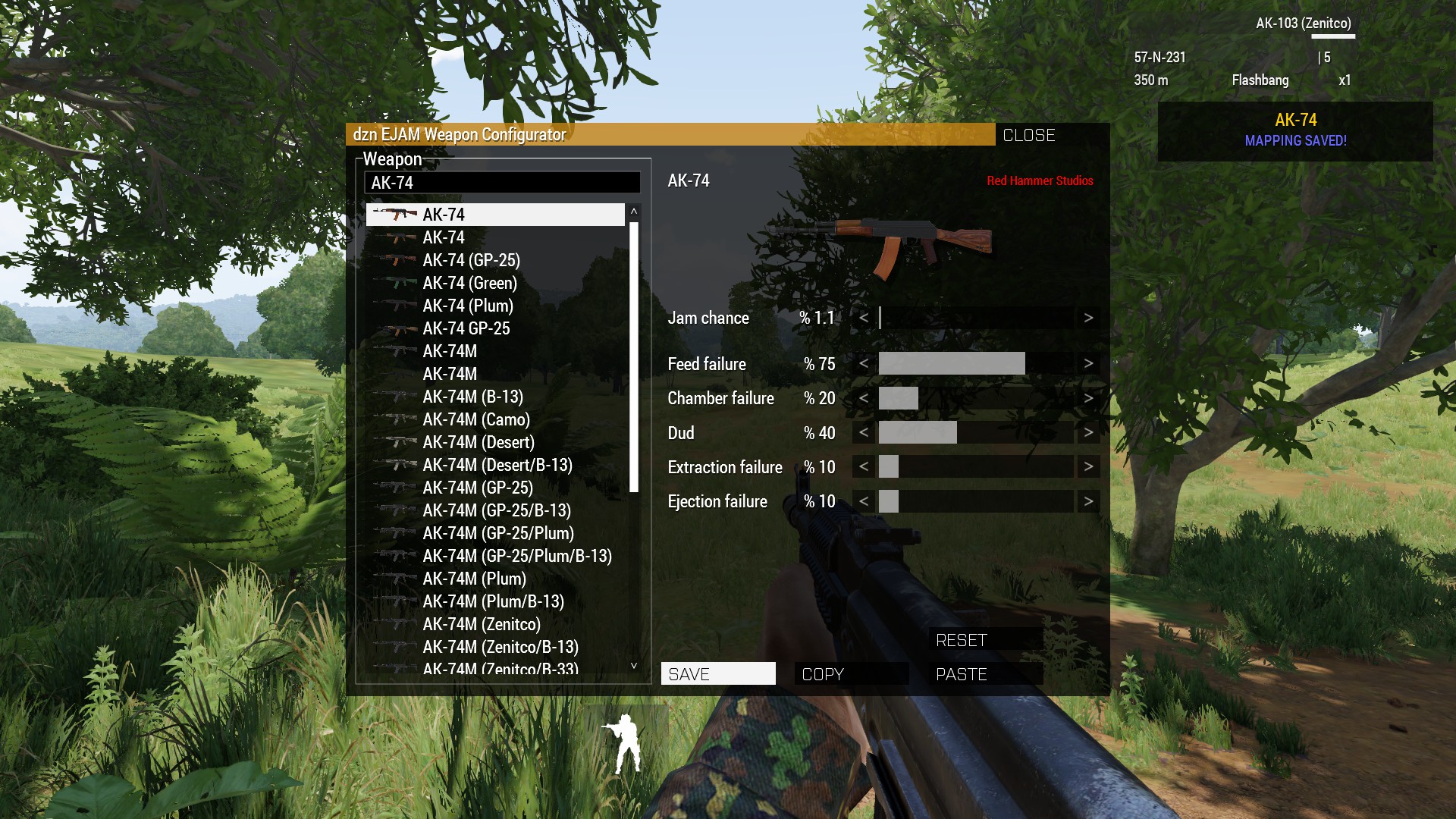 Select weapon to configure and drag sliders to positions you want. When ready - click button:
| Button | Description |
|---|---|
SAVE |
Save current weapon configuration to Weapon settings CBA setting |
COPY |
Copy current weapon configuration (also copies to clipboard) |
PASTE |
Aplies and saves previously copied weapon config to current weapon. You can also apply copied settings by double clicking weapon names in the list. |
RESET |
Resets current weapon configuration and removes weapon from Weapon settings |
When done - click CLOSE button - all settings already saved in Addon Settings.
Setup server
You can apply Weapon settings to server by copy-pasting local Weapon Settings string value to SERVER tab of Addon Settings when logged in.