HbJupyterDir - 101camp/playground GitHub Wiki
感谢沥川同学的分享, hysic同学的解决方案. 将其粘贴到这里来供大家使用.
- 插件是jupyter_contrib_nbextensions
- 效果如下
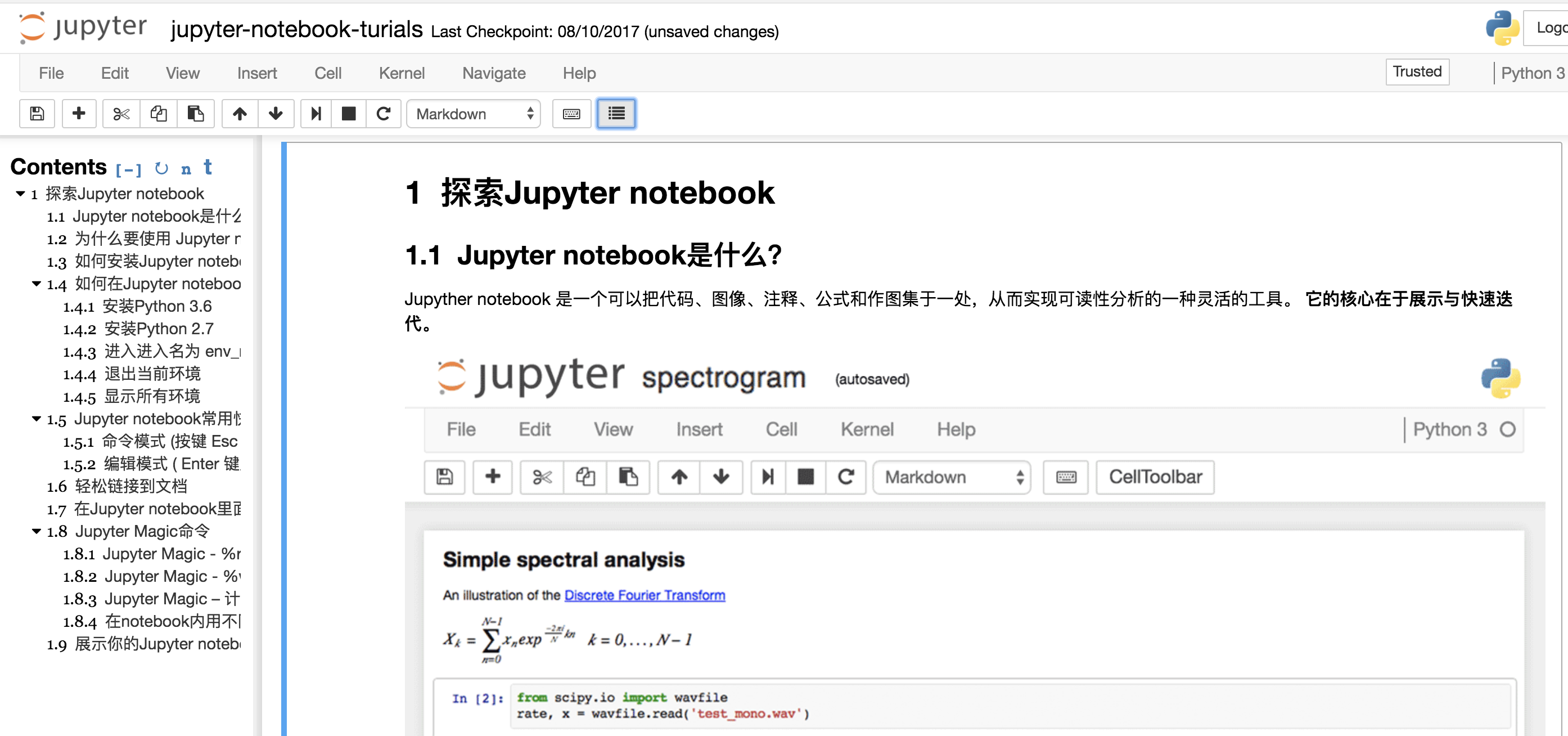
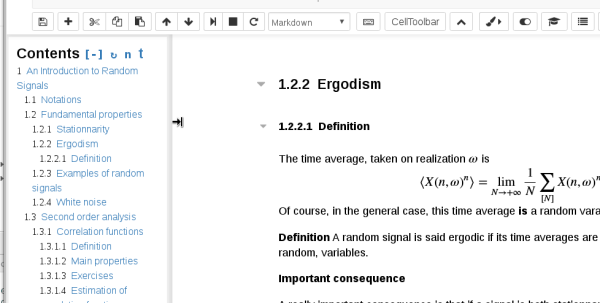
pip install jupyter_contrib_nbextensions
jupyter contrib nbextension install --user
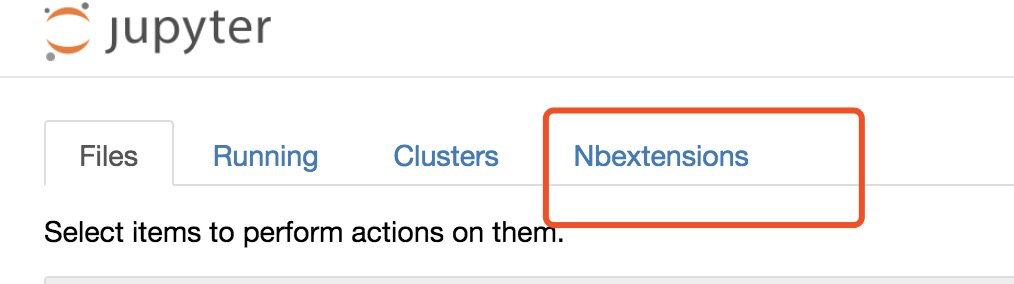
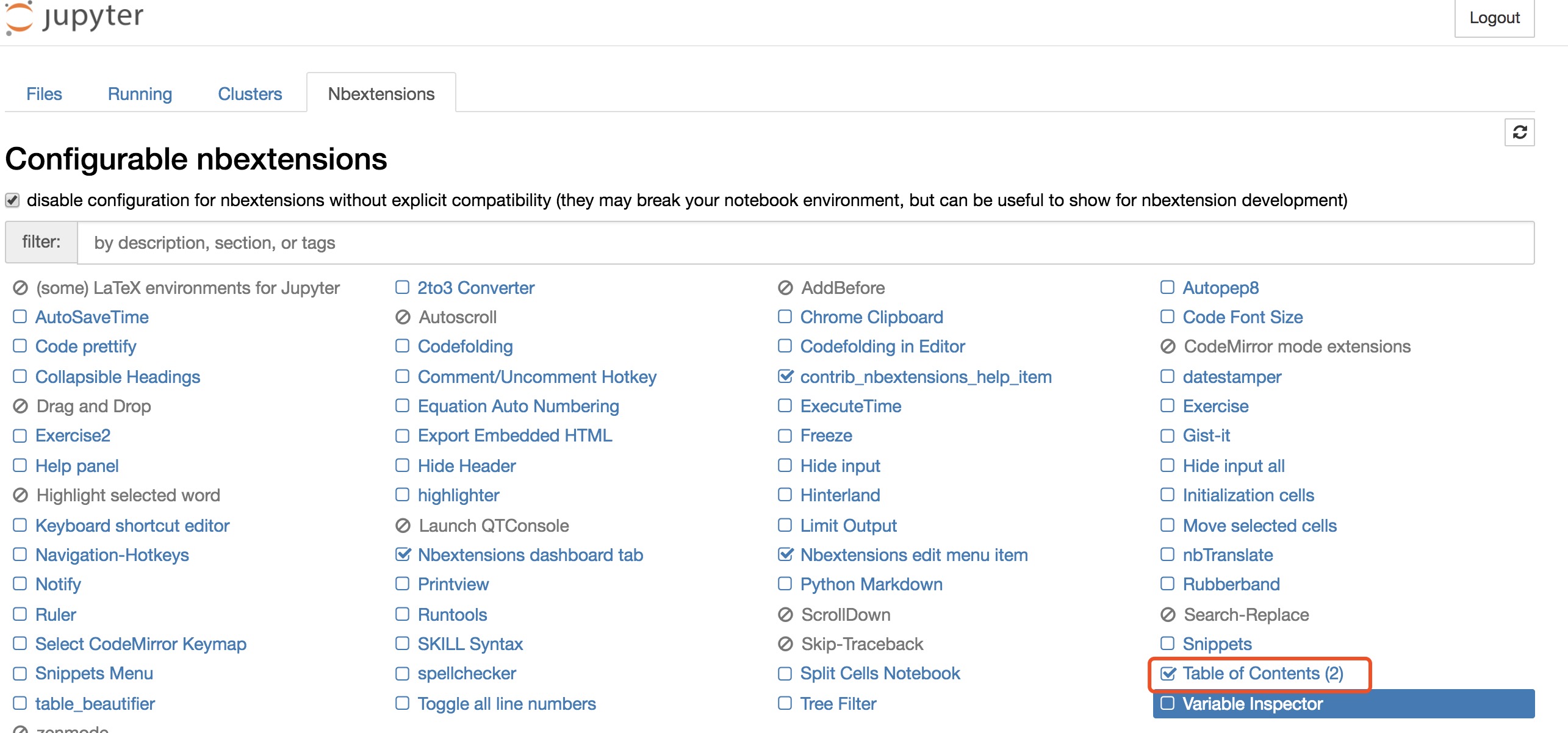
点选这个按钮:
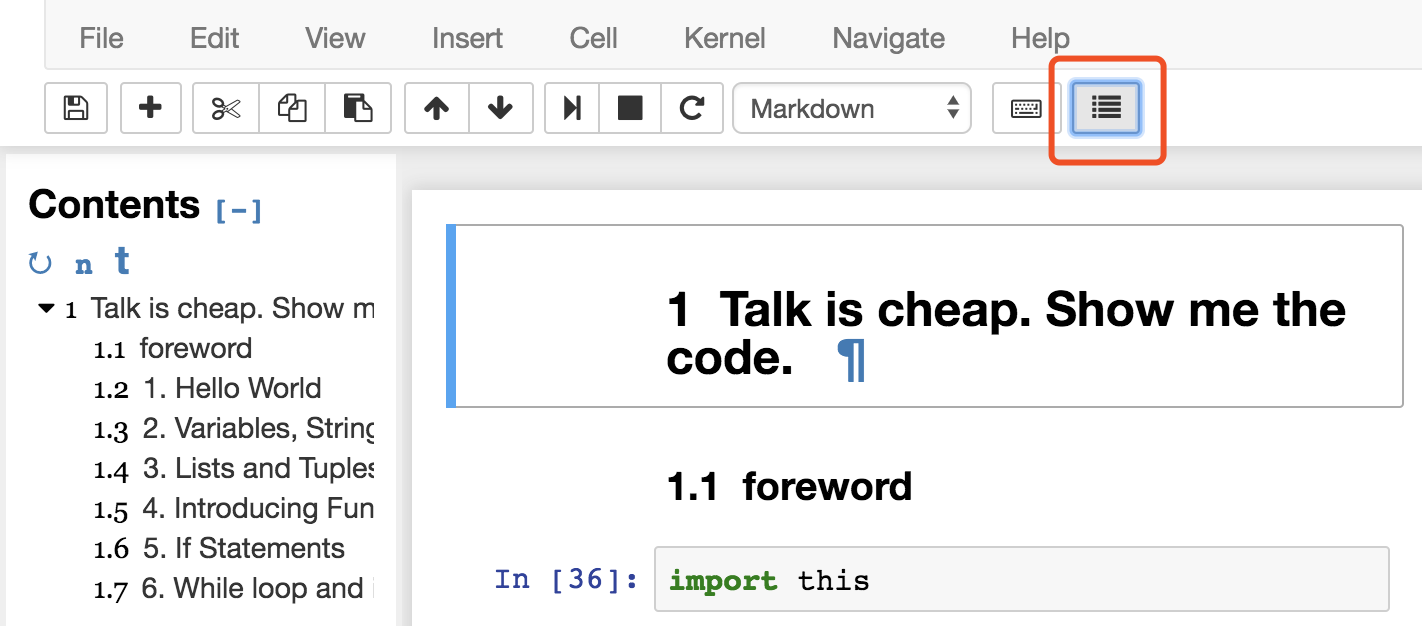
打开现有的notebook,并没有出现显示目录的那个显示目录的按钮(右上角的那个),新建notebook也不行。
如果notebook < 5.2.0的话无法创建工具栏按钮。在命令行输入jupyter notebook --version,果然低于5.2.0。他的建议是"reinstall from the repo master",我试了一下,也没有成功,原因不明。但我想既然是notebook版本太低,那我就升级notebook好了,命令行运行pip install --upgrade notebook,重新启动jupyter之后,显示目录的按钮终于出现了。
欢迎在此分享你遇到的 ch0 优秀资源/实践 · Issue #8
- 20171121 lgh init 20 min